Launch X431 IMMO Programmer X-PROG3 PC Adapter Features:
1. Used in conjunction with X-PROG3 anti lift matching programmer
2. 2D menu, clear and easy to choose
3. Powerful search function
4. Convenient modification of ECU data
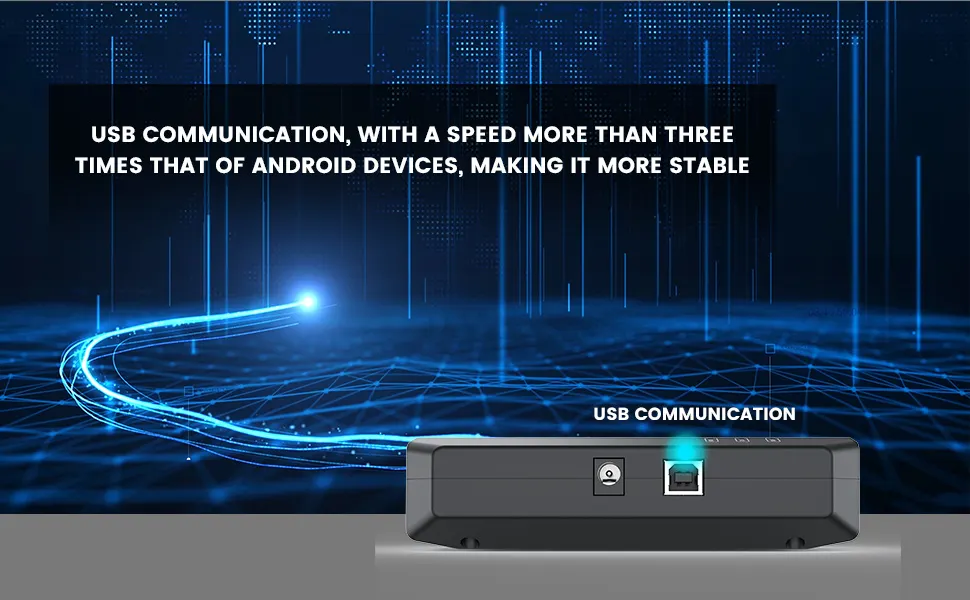
5. USB communication, with a speed more than three times that of Android devices, making it more stable
6. Easy to copy data
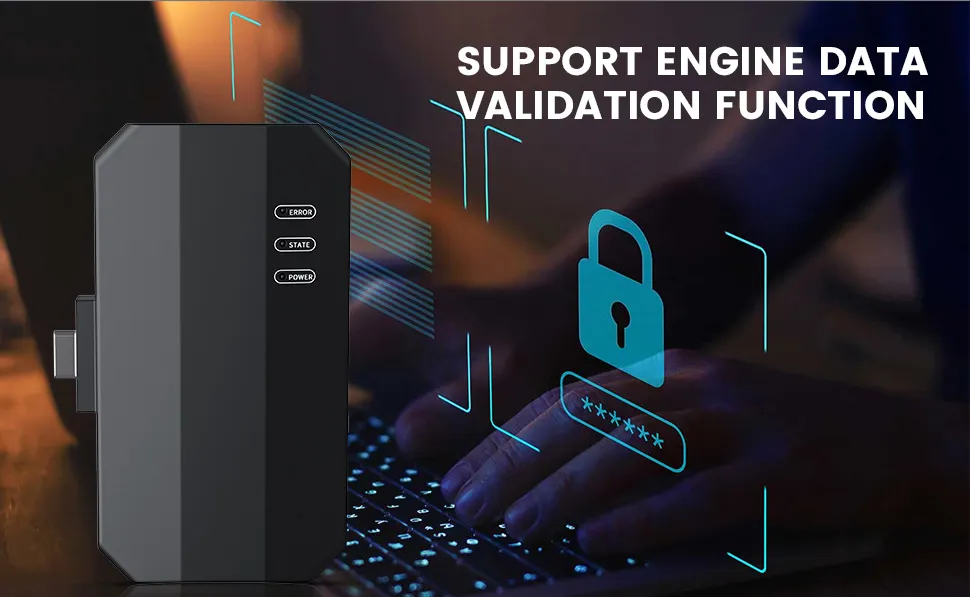
7. Support engine data validation function
8. 1 year of free update online.
Software download link: https://en.cnlaunch.com/download


X-Prog3 PC Adaptor Features:
1. Used in conjunction with X-PROG3 anti lift matching programmer
2. 2D menu, clear and easy to choose
3. Powerful search function
4. Convenient modification of ECU data
5. USB communication, with a speed more than three times that of Android devices, making it more stable
6. Easy to copy data
7. Support engine data validation function
8. Launch XPROG3 PC Adapter PC Tools Software Download
Drop down and click "Download”
Software language: English, German, Japanese, Russian, French, Portuguese, Korean, Italian, Arabic, Traditional Chinese
Select the corresponding language setup to install.
XPROG3 PC Software Interface Description:
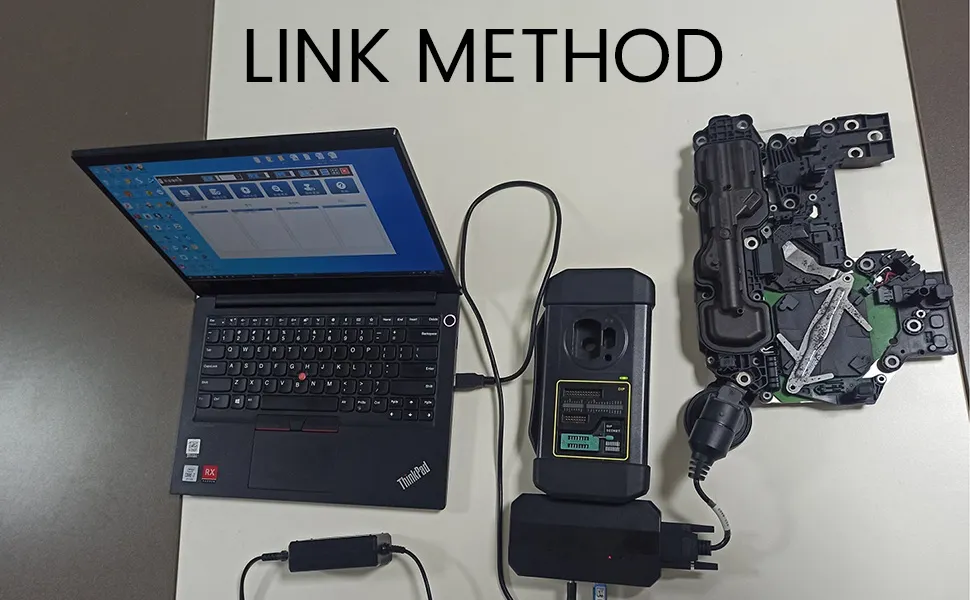
First, connect the X-PRO G3 PC ADAPTOR to the computer using a cable, then connect the X-PROG3 PC ADAPTOR to G3.
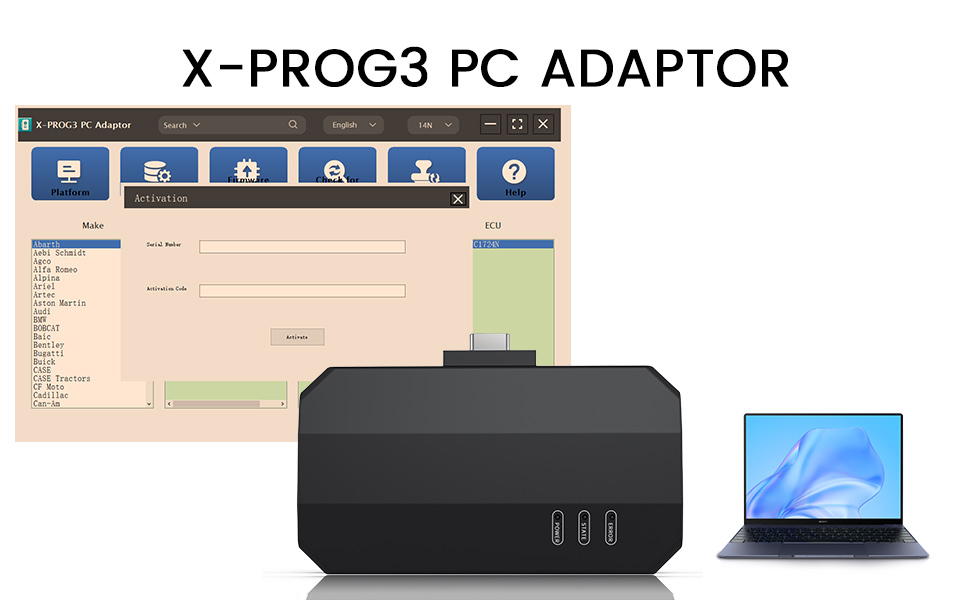
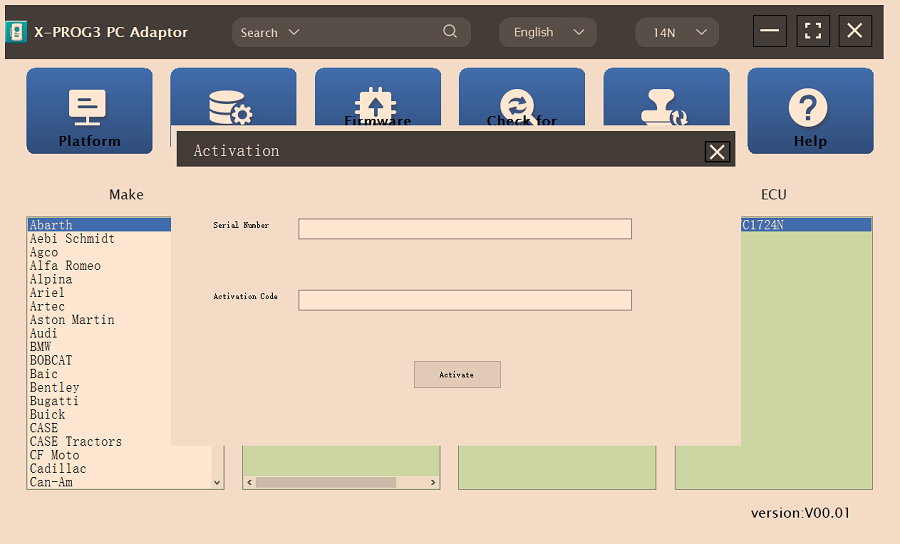
Secondly, click to enter the software (without connecting the X-PROG3 PC ADAPTOR and G3, the software cannot be accessed). The serial number will be automatically recognized from the X-PROG3 PC ADAPTOR. The activation code needs to be obtained from the envelope of the X-PROG3 PC ADAPTOR.
Thirdly, click [Activation] (only once, no need to activate it again later), as shown in Figure 1
I.ECU Data Reading/Writing
1. Obtain the related ECU.
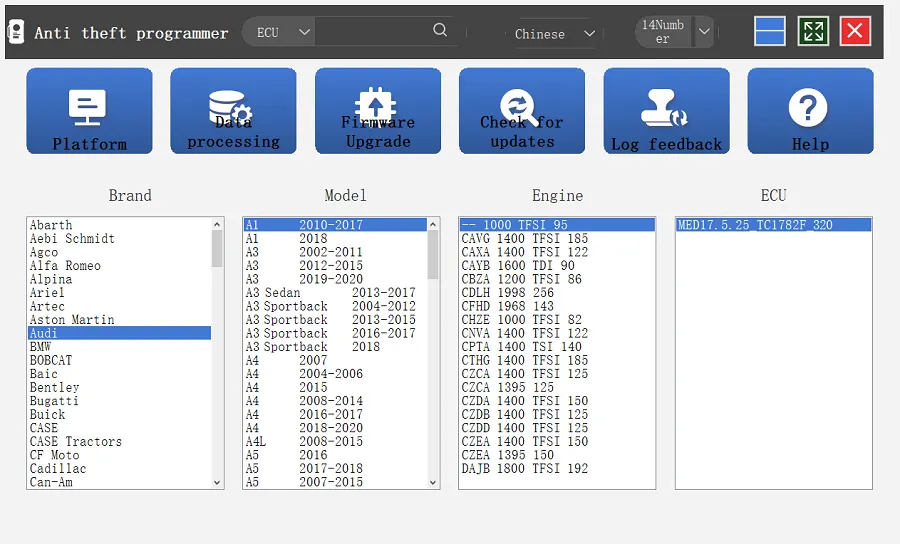
(1) Method 1: Obtain the desired ECU type through brand > model > engine > ECU in turn, as shown in Figure 2.
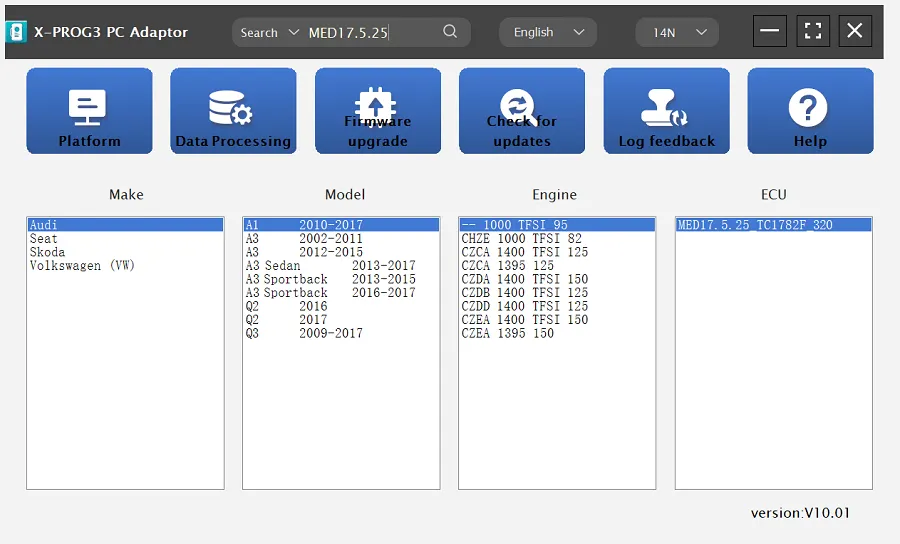
(2) Method 2: Query the desired ECU by entering a value in the search box. The search categories include brand, Bosch number and ECU type. For example, search for the MED17.5.25 engine by ECU type, as shown in Figure 3.
2. Click [Straight Connection Line Diagram] to obtain the ECU connection diagram, as shown in Figure 4.
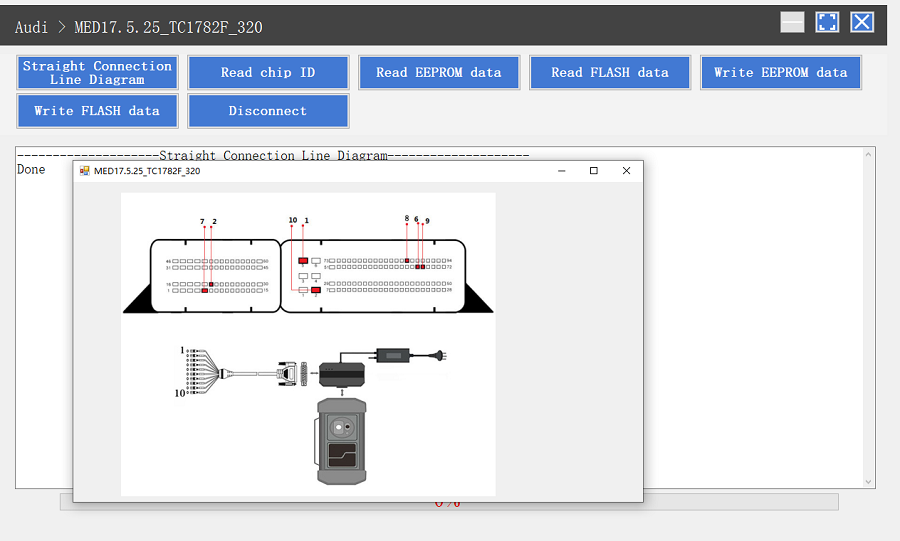
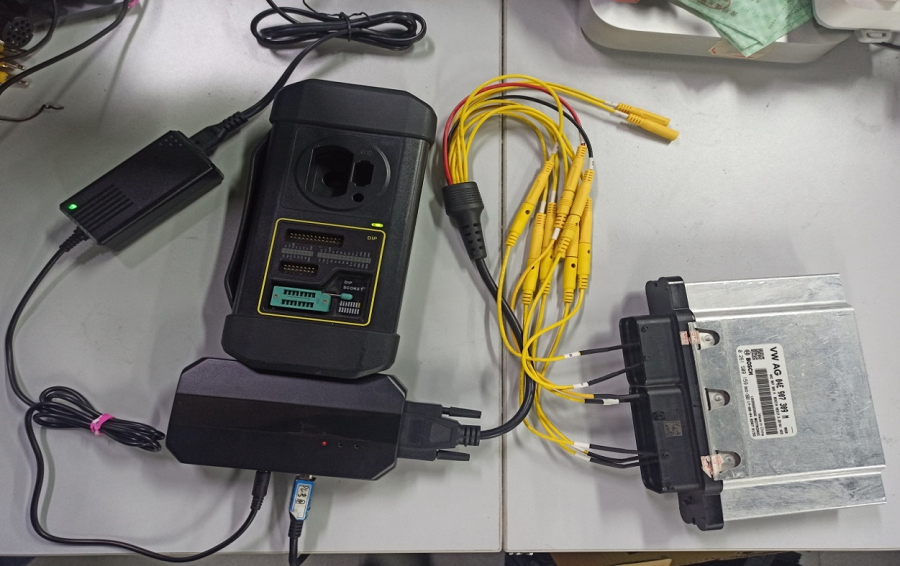
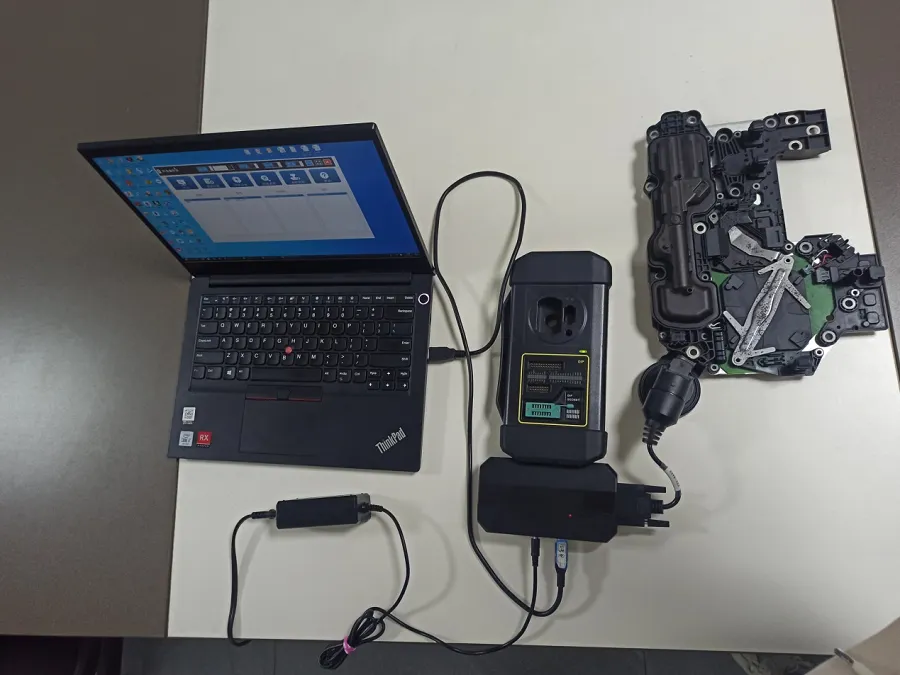
3. Connection: Connect the ECU and PCBOX according to the information provided in the connection diagram. The physical connection diagram of MED17.5.25 (using the BENCH mode line) is shown in Figure 5, and the physical connection diagram using the gearbox adapter is shown in Figure 6.
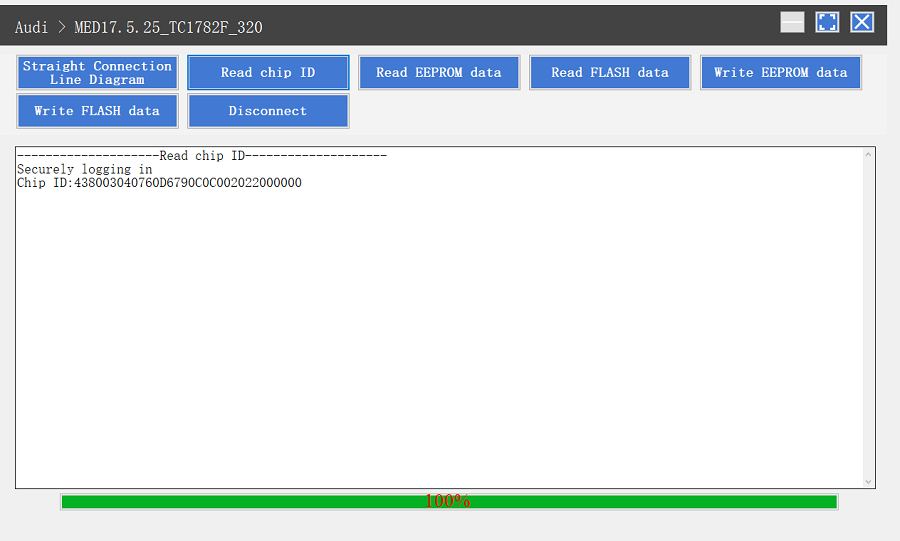
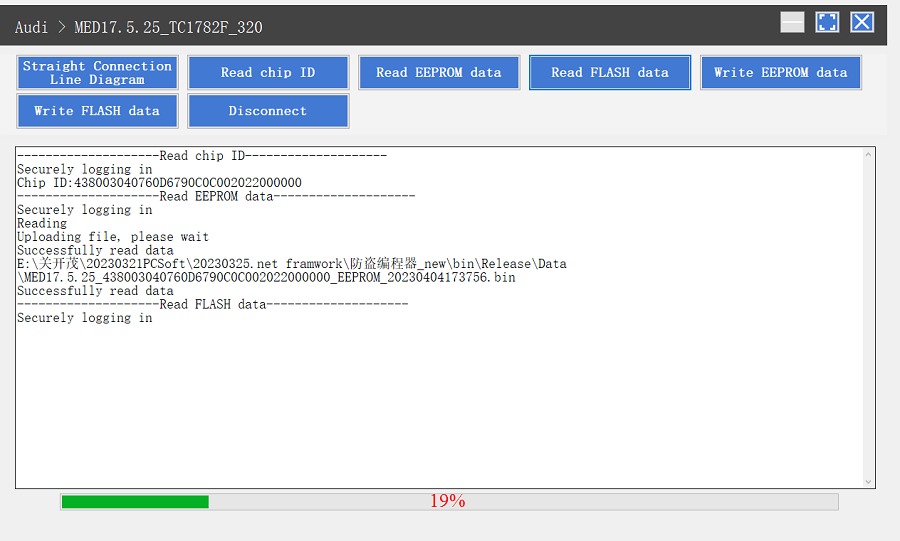
4. Read the chip ID, as shown in Figure 7.
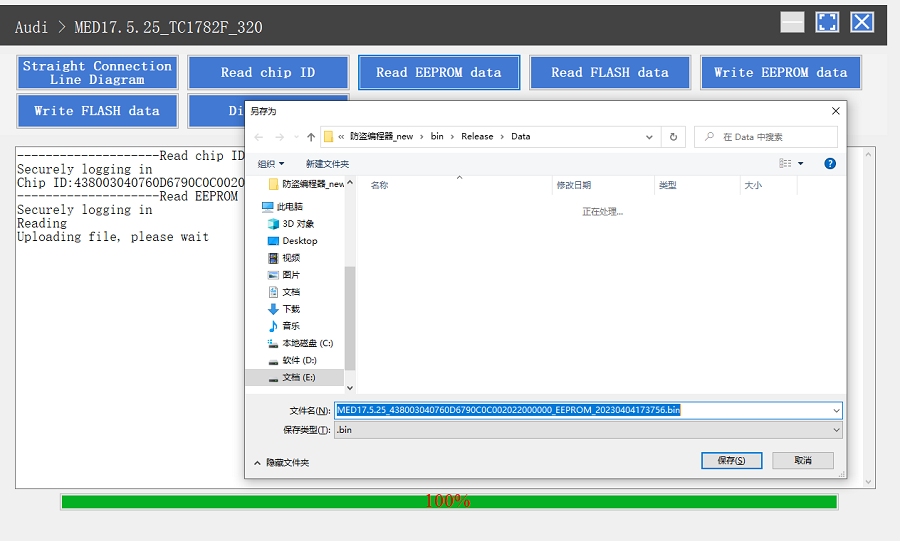
5. Back up the EEPROM data and save it, as shown in Figure 8 (the figure shows the save page of the read data).
6. Back up the FLASH data and save it, as shown in Figure 9 (the figure shows the process of reading FLASH data).
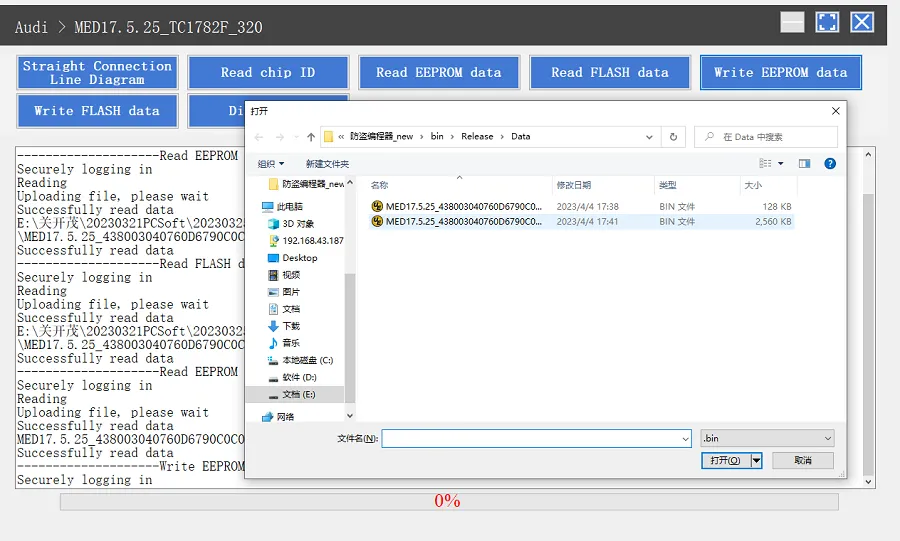
7. Restore EEPROM/FLASH data, as shown in Figure 10 (the figure shows the file selection page).
II. Data Processing
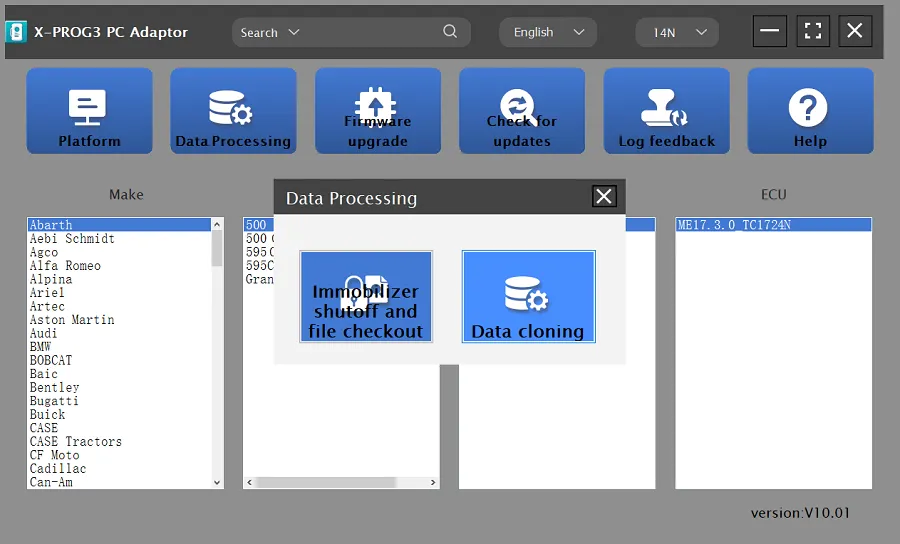
1. Click the [Data Processing] button on the main page, as shown in Figure 11, and select [Immobilizer Shutoff and File Checkout] [Data Cloning] process Volkswagen series and Porsche engine data, as shown in Figure 12.
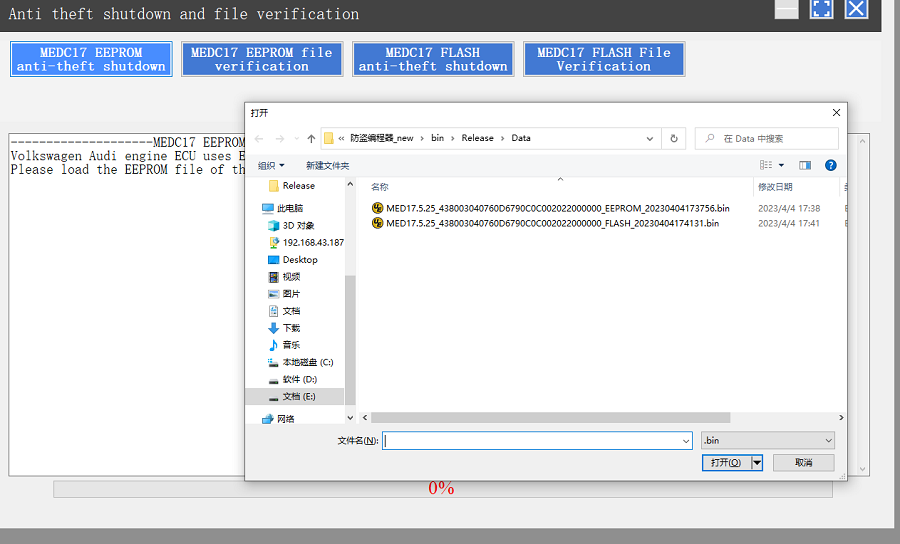
2. File verification and anti-theft shutdown (process: select file > connect network to obtain > save file), as shown in Figure 13.
Support list June 2023:
| ECU Name |
ECU Type |
ECU Brand |
G3 |
FLEX |
| EDC16XX |
ECM |
Bosch |
Support |
Support |
| EDC17XX |
ECM |
Bosch |
Support |
Support |
| MD1CSXXX |
ECM |
Bosch |
Support |
Support |
| MD1CPXXX |
ECM |
Bosch |
Support |
Support |
| ME17.X.X |
ECM |
Bosch |
Support |
Support |
| MED17.X.X |
ECM |
Bosch |
Support |
Support |
| MED9.X.X |
ECM |
Bosch |
Support |
Support |
| MEV17.X.X |
ECM |
Bosch |
Support |
Support |
| MEVD17.X.X |
ECM |
Bosch |
Support |
Support |
| MG1CSXXX |
ECM |
Bosch |
Support |
Support |
| MG1CPXXX |
ECM |
Bosch |
Support |
Support |
| MSDXX |
ECM |
CONTINENTAL/SIEMENS |
Support |
Support |
| MSVXX |
ECM |
CONTINENTAL/SIEMENS |
Support |
Support |
| SDIX |
ECM |
Continental |
Support |
Support |
| GM EXX/TXX |
ECM |
DELCO |
Support |
Support |
| SIM271XX |
ECM |
Continental |
Support |
Support |
| SIMOS12.X |
ECM |
Continental |
Not support |
Support |
| SIMOS8.X |
ECM |
Continental |
Support |
Support |
| SIMOS-PCR2.X |
ECM |
Continental |
Not support |
Support |
| 6HPXX |
TCM |
ZF |
Support |
Support |
| 8HPXX |
TCM |
ZF |
Support |
Support |
| 7DCT300 |
TCM |
ZF |
Support |
Support |
| 9G Tronic |
TCM |
Bosch |
Support |
Support |
| ALXXX |
TCM |
ZF |
Support |
Support |
| TCXX |
TCM |
Bosch |
Support |
Support |
| DPS6/DC4 |
TCM |
GETRAG |
Support |
Support |
| DKG |
TCM |
GETRAG |
Support |
Support |
| DLXXX |
TCM |
Temic |
Support |
Support |
| DQXXX |
TCM |
Temic |
Support |
Support |
| MPS6 |
TCM |
GETRAG |
Support |
Support |
| SPS6 |
TCM |
GETRAG |
Support |
Support |
| VGSX |
TCM |
GETRAG |
Support |
Support |
| VL381 |
TCM |
Temic |
Support |
Support |
| GM 6TXX/6LXX |
TCM |
DELCO |
Support |
Support |
| MEDG17.9.8 |
TCM |
Bosch |
Support |
Support |
| MEG17.9.2 |
TCM |
Bosch |
Support |
Support |
Optional adapter accessories(Not included in the package):
| |
Accessory
Name
|
Material
code
|
function |
picture |
| 1 |
X-PROG3 Adapter Cable 1 (DQ200XX) |
307110077 |
Used to connect the DQ200XX gearbox, and available models include VW, Audi, etc. |
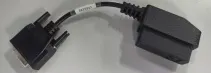
|
| 2 |
X-PROG3 Adapter Cable 2 (VL381) |
307110078 |
Used to connect the VL381 gearbox, and available models include VW, Audi, etc. |
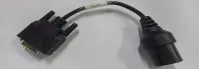 |
| 3 |
X-PROG3 Adapter Cable 3 (DQ380) |
307110079 |
Used to connect the DQ380/DQ381/DQ500 gearbox, and available models include VW, Audi, etc. |
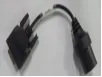 |
| 4 |
X-PROG3 Adapter Cable 4 (DQ250) |
307110080 |
Used to connect the DQ250 gearbox, and available models include VW, Audi, etc. |
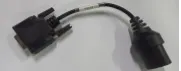 |
| 5 |
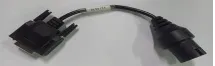
X-PROG3 Adapter Cable 5 (DL501) |
307110081 |
Used to connect the DL501XX gearbox, and available models include VW, Audi, Porsche, etc. |
 |
| 6 |
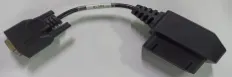
X-PROG3 Adapter Cable 6 (DL382) |
307110082 |
Used to connect the DL382 gearbox, and available models include VW, Audi, etc. |
 |
| 7 |
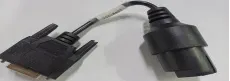
X-PROG3 Adapter Cable 7 (VGS-NAG3) |
307110083 |
Used to connect the VGS-NAG3 gearbox, and available models include Benz, Nissan, etc. |
 |
| 8 |
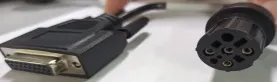
X-PROG3 Adapter Cable 8 (VGS2-FDCT/VGS-FDCT) |
307110084 |
Used to connect the VGS-FDCT/VGS2-FDCT gearbox, and available models include Benz, Infiniti, etc. |
 |
| 9 |
X-PROG3 Adapter Cable 9 (VGS3-NAG2) |
307110085 |
Used to connect the VGS3-NAG2 gearbox, and available models include Benz, etc. |
 |
| 10 |
X-PROG3 Adapter Cable 10 (8HP_V1(BMW/LR)/8HP_V2/8HP_V3) |
307110086 |
Used to connect the 8HPXX/AL450/AL551/AL552 gearbox, and available models include BMW, Land Rover, Jaguar, Dodge, Alpina, Chrysler, Rolls Royce, Alfa Romeo, Aston Martin, Great Wall, Jeep, Lamborghini, Maserati, Iveco, etc. |
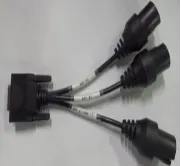 |
| 11 |
X-PROG3 Adapter Cable 11 (MPS6) |
307110087 |
Used to connect the MPS6/MPS6_GEN3 gearbox, and available models include Ford, Renault, Chrysler, Dodge, Land Rover, Volvo, etc. |
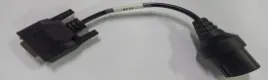 |
| 12 |
X-PROG3 Adapter Cable 12 (DPS6) |
307110088 |
Used to connect the DPS6 gearbox, and available models include Ford, etc. |
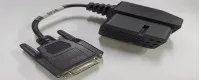 |
| 13 |
X-PROG3 Adapter Cable Main Line (ML) |
307110089 |
The extension wire of the gearbox harness, with one end connected to the immobilizer programmer and the other end connected to the gearbox harness
|
 |
Package Includes:
1pc x Launch X431 IMMO Programmer X-PRO G3 PC Adaptor