


More Diagnostic Capability. A Smarter Workshop Investment.
Move beyond reading fault codes. Investigate the fault, test supported components and handle common service jobs—all from one scanner built for everyday workshop use. PROS ELITE brings practical diagnostic depth to independent repair shops, working technicians and experienced DIY users.
Full-System Diagnostics · ECU Coding · Active Tests · 38+ Service Functions · CAN FD & DoIP

One Scanner. More Vehicles in Your Bay.
Your next job may be a Ford, a Toyota or a Volkswagen. PROS ELITE brings broad multi-brand coverage into one diagnostic platform, helping mixed-brand workshops use a familiar workflow across supported vehicles. Choose coverage that fits the vehicles you actually service.
American · European · Asian Vehicles
Buying for a specific job? Confirm the make, model, year and exact function—especially ECU coding, active tests and service procedures. A listed brand does not mean every model or function is supported.

Test the Component Before You Commit to the Repair
Command a supported component and watch its response. Active tests help you narrow down the fault before committing to a repair, then verify component operation after the work is done. Take a practical step toward less guesswork and more confident diagnosis.
Cooling Fan · Fuel Pump · Windows · EGR Valve · More Supported Active Tests

Go Further When the Repair Needs More Than a Reset
Some component replacements need matching, coding or adaptation before the job is complete. On compatible vehicles, PROS ELITE supports these setup procedures and available personalization options—giving your workshop more capability than a basic code reader.
Component Matching · Supported Online/Offline Coding · Personalization · Adaptation & Initialization
Coding availability varies by vehicle and procedure. Confirm support for your intended task before ordering.

Put Your Scanner to Work on Everyday Service Jobs
Get value beyond occasional fault diagnosis. With 38+ service functions, PROS ELITE supports common maintenance and relearn tasks—from oil resets and brake servicing to battery replacement and throttle adaptation. Bring diagnostics and supported service procedures into the same workflow.
Oil Reset · EPB · SAS · TPMS · BMS · DPF Regeneration · Injector Coding · ABS Bleeding · Throttle Adaptation · Gearbox Reset

See Beyond the Engine Light
A fault code is a starting point. Check available control modules and combine fault codes, live data and ECU information to build a clearer picture before deciding what to repair. Return to the scanner after the job to review system status.
Engine · Transmission · ABS · SRS · TPMS · BCM · EPB · More Supported Systems

Ready for the Vehicles Coming Into Your Shop
Modern communication support matters as your workload changes. CAN FD and DoIP connect to compatible vehicles using these protocols. AutoVIN simplifies vehicle identification, while FCA secure gateway access enables authorized workflows on supported models.
CAN FD · DoIP · AutoVIN · FCA Secure Gateway Access
FCA access requires an authorized account. Availability and account requirements vary by vehicle and region.

A Clearer Path Through Supported VAG Procedures
Keep the next step in view. On compatible Volkswagen Group vehicles, guided functions provide on-screen instructions for supported coding, matching and adaptation procedures. Follow a structured sequence and spend less effort working out where to go next.
Volkswagen · Audi · SEAT · Škoda

Built for the Work Between the First Scan and the Final Check
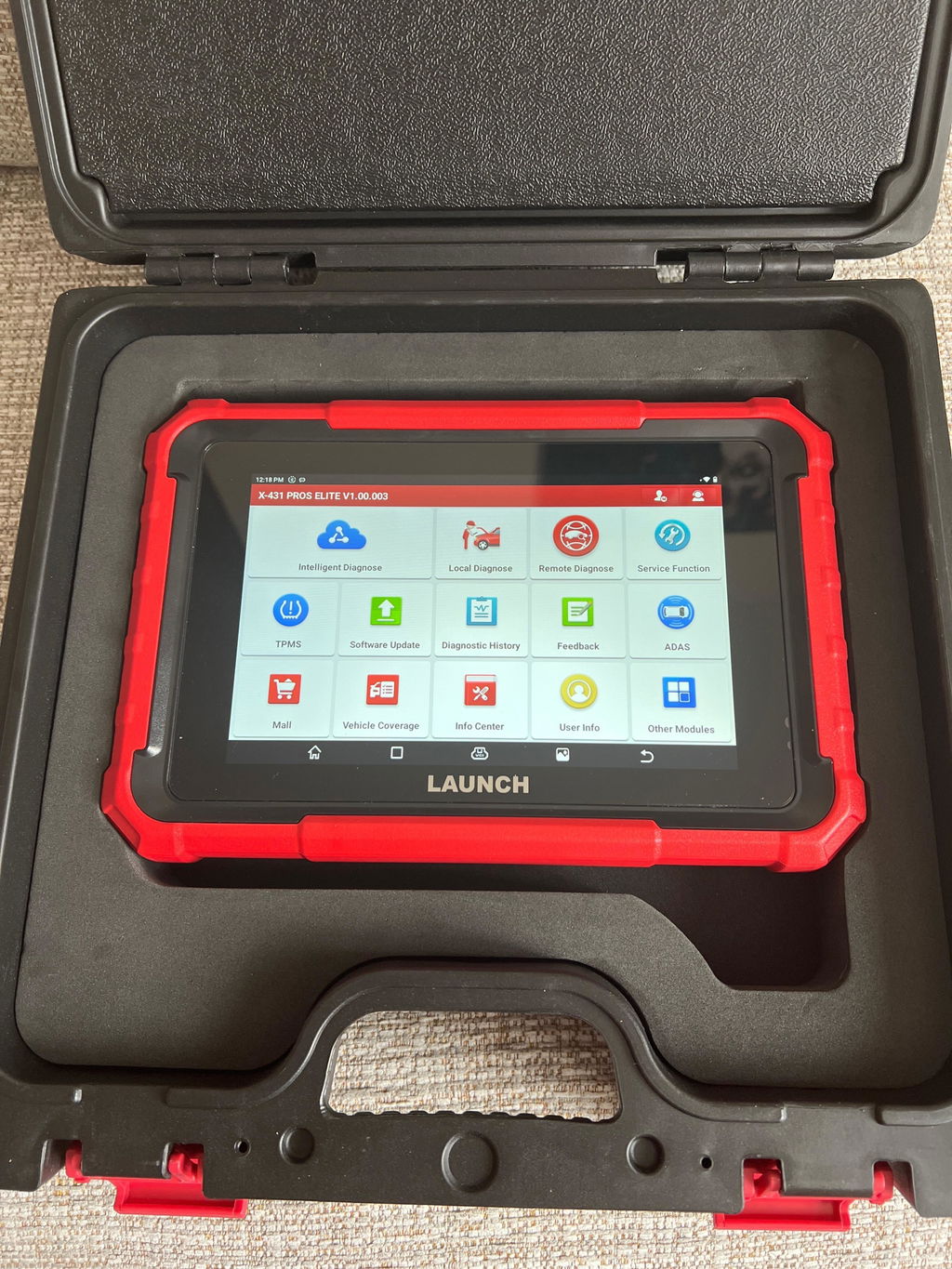
An 8-inch touchscreen gives you room to review data and follow procedures. Android 10, a quad-core processor, 4GB RAM and 64GB storage support everyday operation, with dual-band Wi-Fi for connectivity and a 6000mAh battery for portable use. Practical hardware for your daily diagnostic workflow.
Android 10 · 2.0 GHz Quad-Core CPU · 4GB RAM · 64GB Storage · 8-Inch Touchscreen · Dual-Band Wi-Fi · 6000mAh Battery · 8MP Rear Camera

Start With Today’s Needs. Add Capability as You Grow.
Build your setup around the work you actually do. Add compatible LAUNCH accessories for battery testing, TPMS service, videoscope inspection or report printing when those jobs become part of your workflow. Choose the core scanner now and expand selectively as your needs develop.
Battery Testing · TPMS Service · Videoscope Inspection · Wi-Fi Printing
Optional accessories are sold separately. Confirm accessory compatibility before purchase.
Ready to Bring More of Your Daily Work Into One Tool?
Choose PROS ELITE for full-system diagnosis, supported active tests, ECU coding and common service procedures in one practical workshop scanner.
Confirm Your Vehicle Coverage → Choose Your Setup → Add to Cart
Function availability varies by vehicle make, model, year and system. Check your intended task before ordering.
F
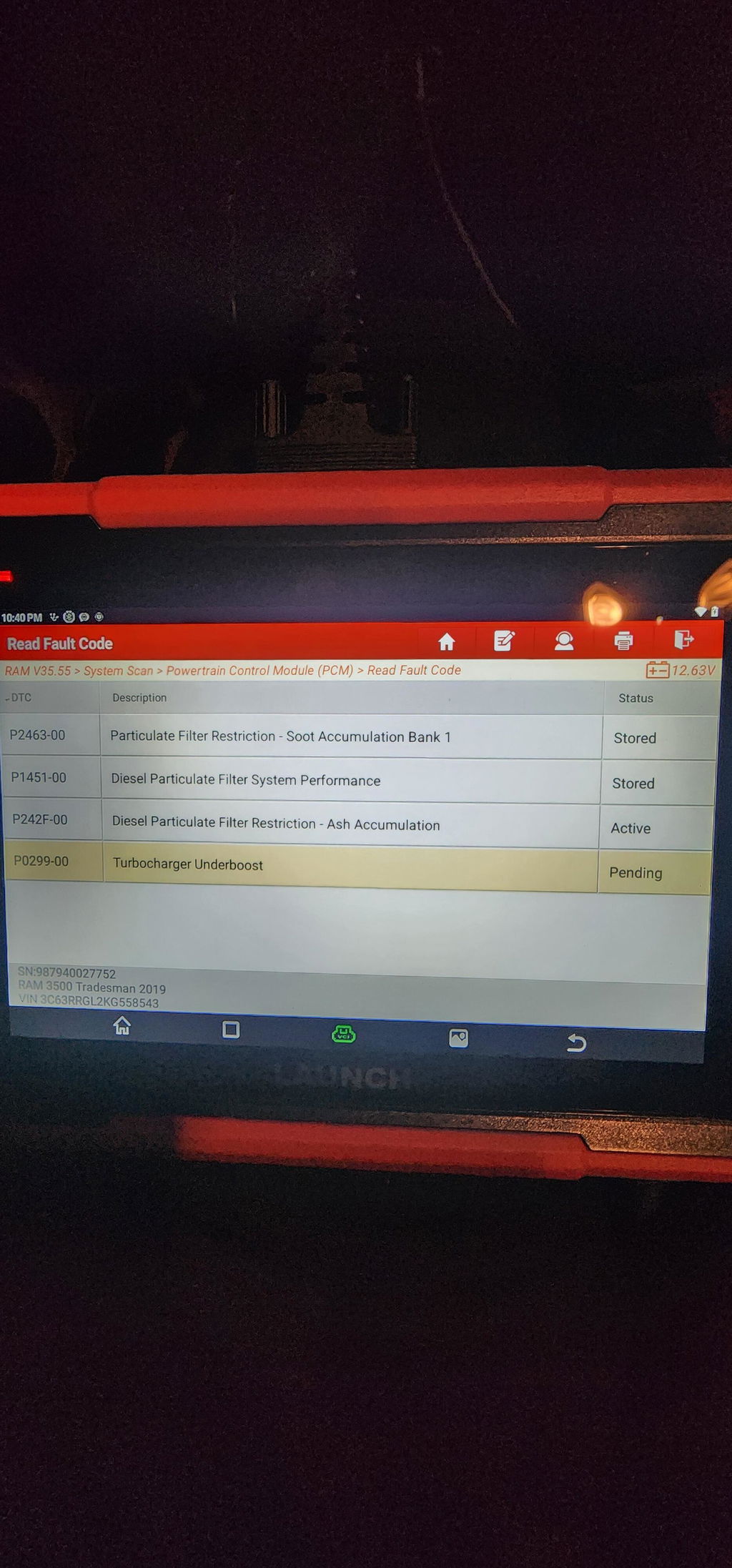
Still getting used to it. Purchasing the scanner i figured there would be an update subscription to keep the scanner up to date. However to access certain manufacturers (chrysler, Jeep) there is an additional subscription. I've used an autel before that has bypass cables for the gateway and allows you to access the same functions. Launch should have something like this or better. Without the subscription you can only scan for codes. Can't clear or access any other functions.
M
Good device for my car. Help a lot.

B
excellent

E
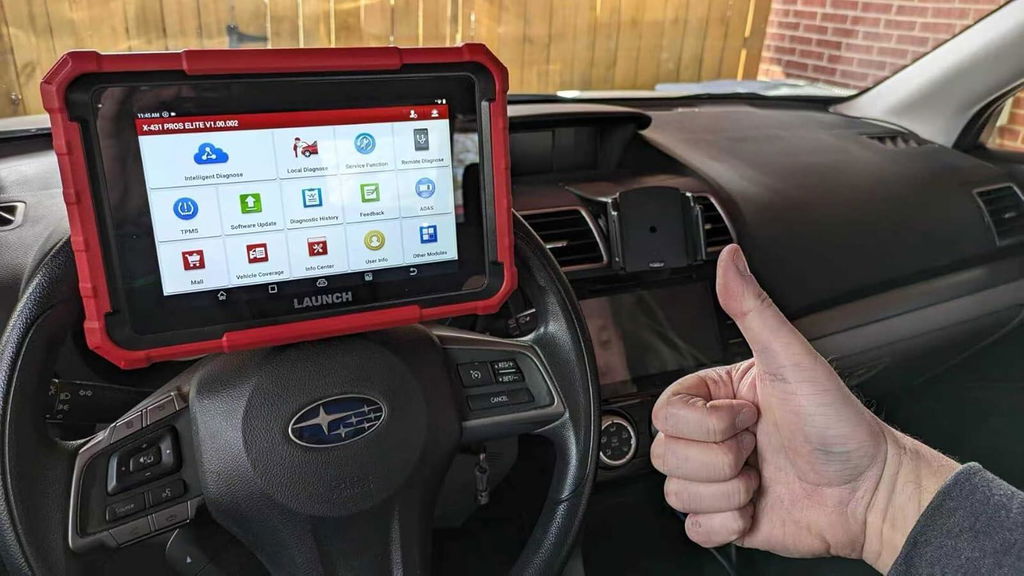
Very nice car scanner. Has a ton of features that I am still learning... I have used it on multiple vehicles for reading codes, reading live data, resetting codes, and bi-directional testing of various systems. So far it has done all of these very well. This is a great tool that rivals the competition, at a much more reasonable price.!have and would recommend to friends and co-workers.
E
Very nice car scanner. Has a ton of features that I am still learning... I have used it on multiple vehicles for reading codes, reading live data, resetting codes, and bi-directional testing of various systems. So far it has done all of these very well. This is a great tool that rivals the competition, at a much more reasonable price.!have and would recommend to friends and co-workers.
T
Thank you for the fast shipping. The device is perfect. Registration and update went without any problems.The support is excellent, I use the scanner regularly and I am very satisfied with my purchase from you. You are the best.

M
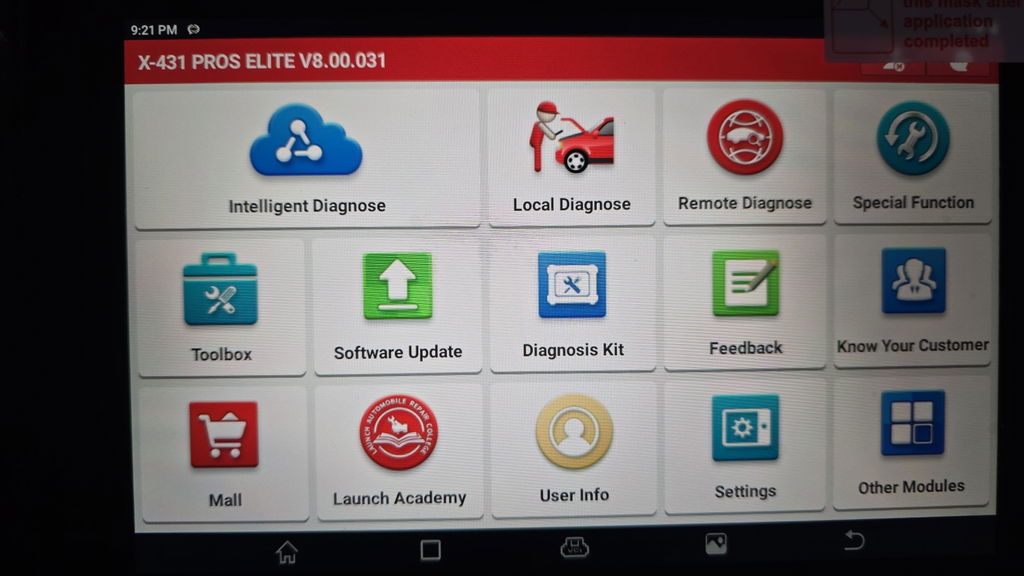
Great scan tool for DIY. Scans much faster and deeper than the previous TopDon Artidiag EU it replaced. I have scanned Mercedes, BMW, Nissan and Peugeot so far, all worked as expected. Software is intuitive enough (not autel level) but you can find your way around easily. Very happy with purchase and can recommend.
I
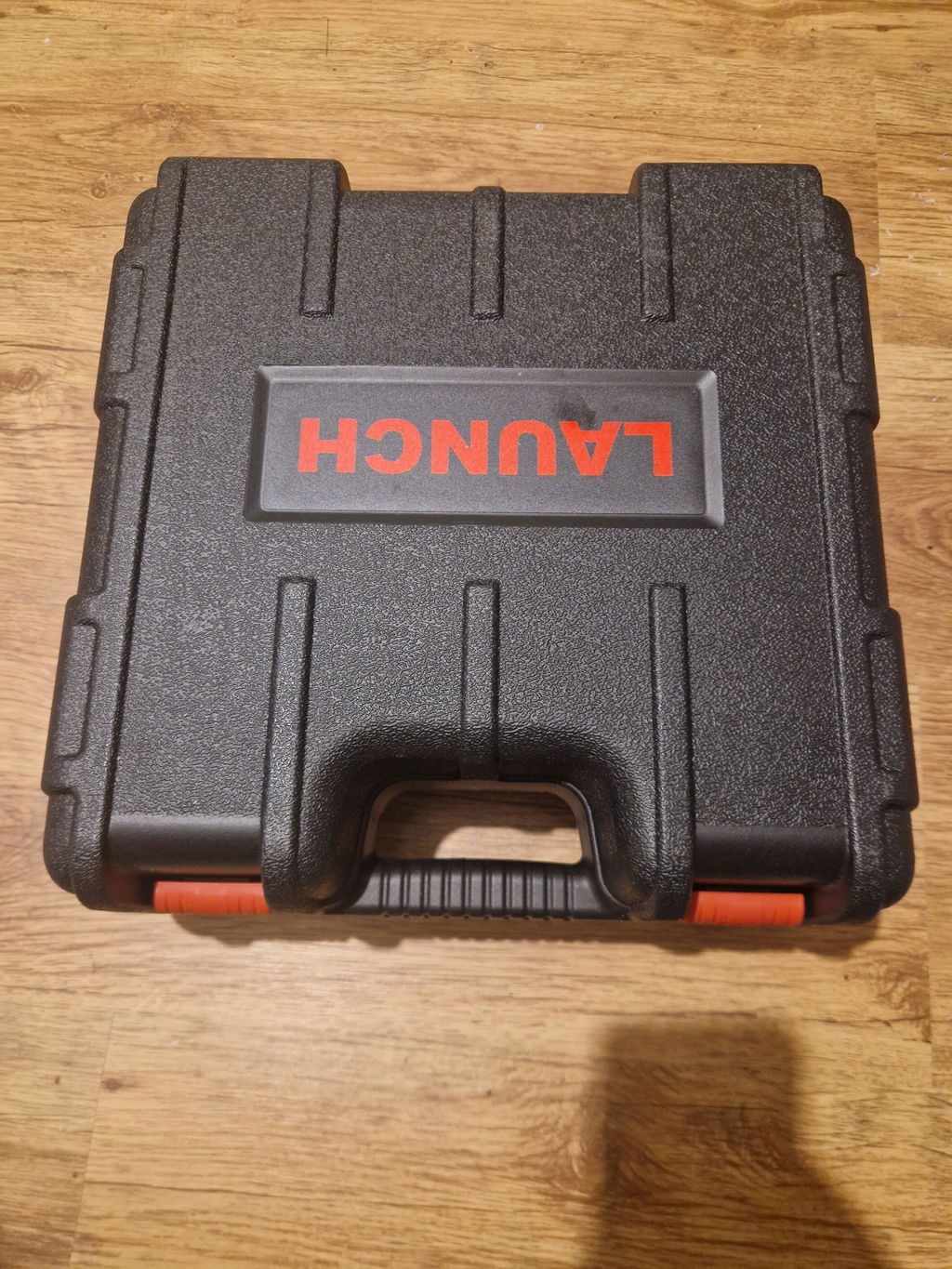
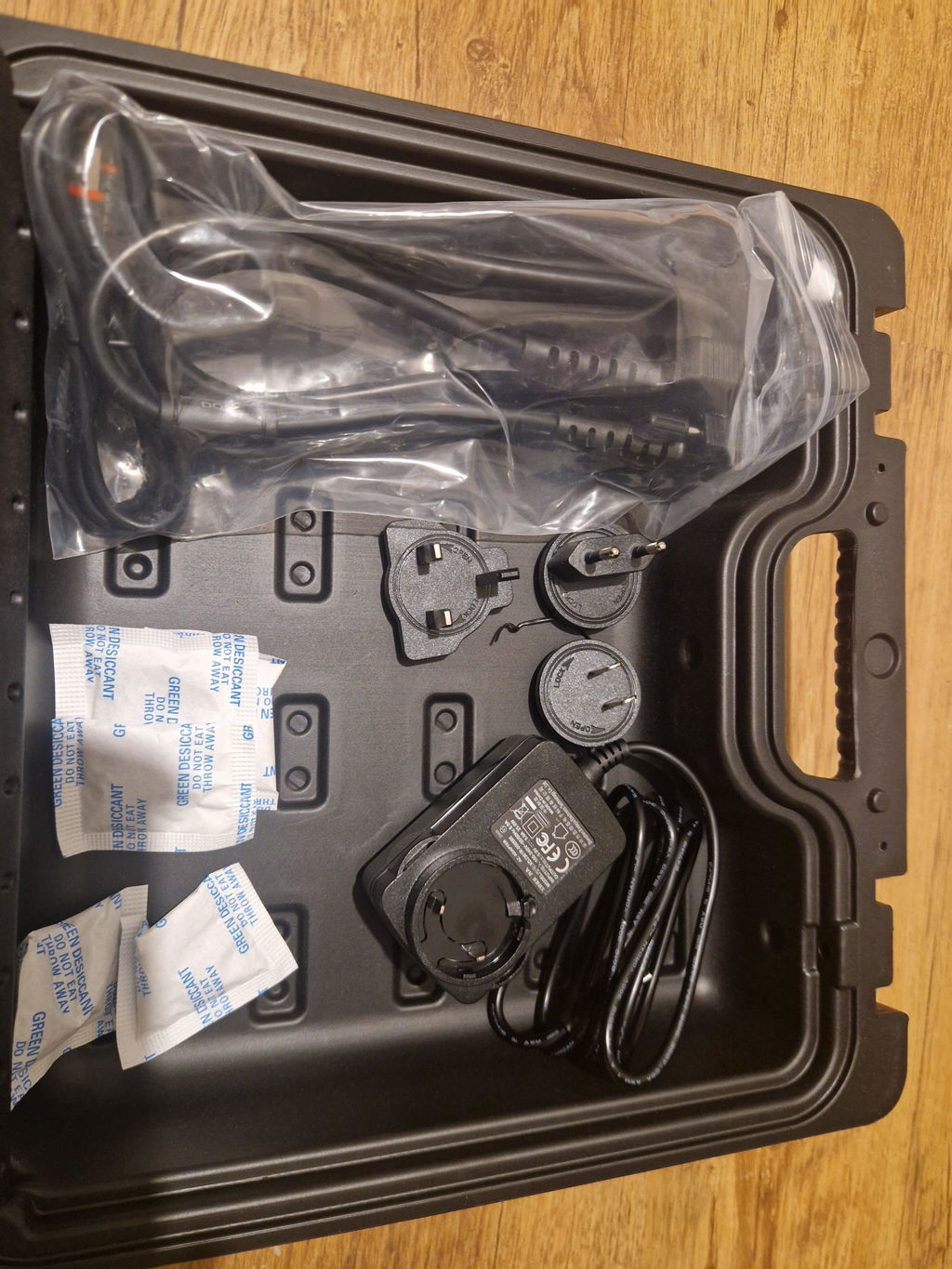
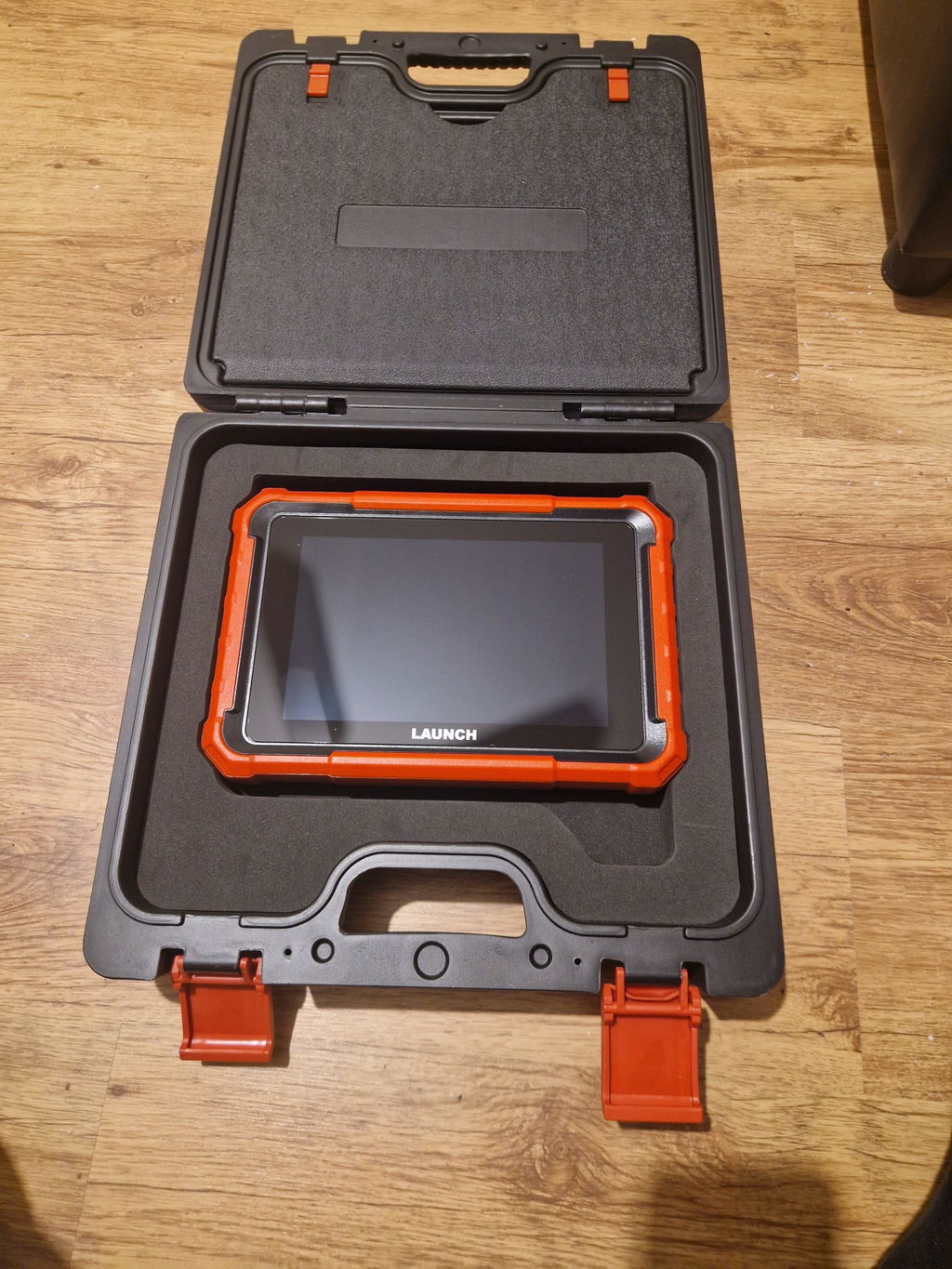
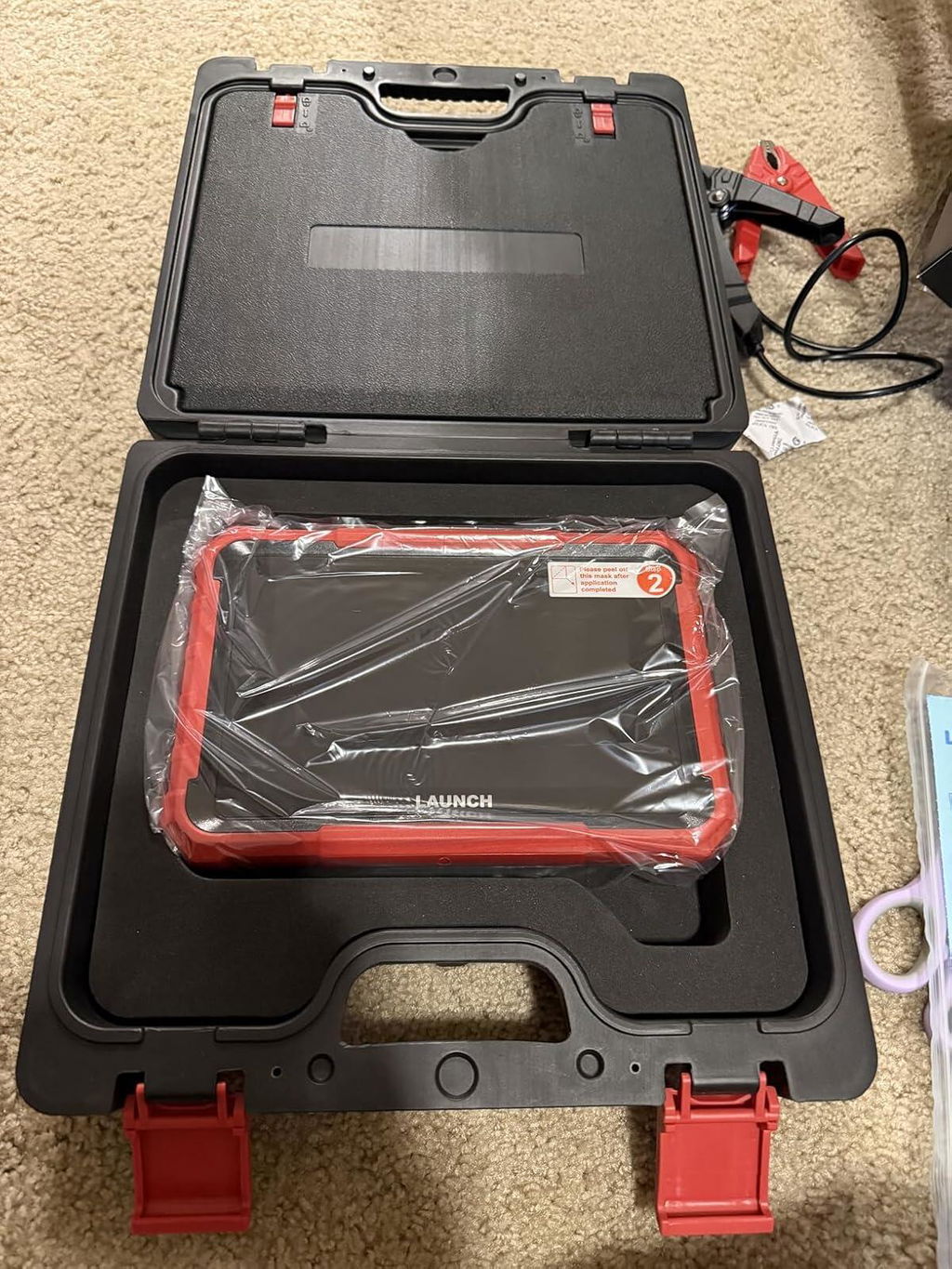
Great product. Very efficient. Picked up the faulty ABS sensors on my car and after changing them I managed to successfully reset the codes. Didn't have any issues since. The tool also picked up some other sensors issues which I'm currently looking into sorting out. A regular scanner hasn't picked up these other faulty sensors. I'm assuming it's because they are not considered critical to the car's operations system yet. This product might seem expensive but considering the prices that the garages charge nowdays it is definetly a tool worth having especially if you are handy with tools and can sort minor issues yourself. Another plus to it is that it comes in a very sturdy case and has different addapters for mulitiple types of power sockets. Highly recommended.
O
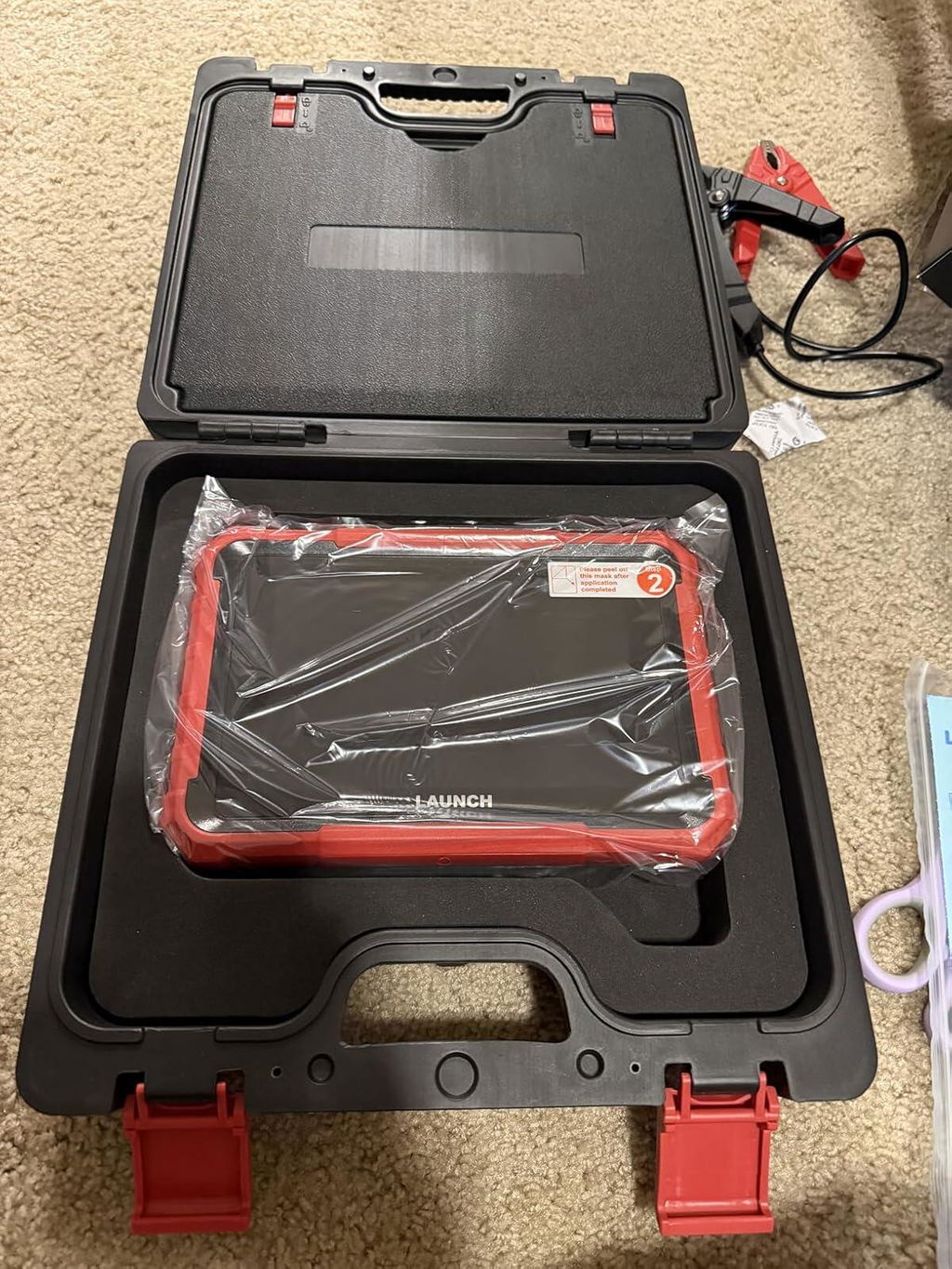
Great scanner, works fast, all the declared functions work, no complaints. I recommend!
O
Great scanner, works fast, all the declared functions work, no complaints. I recommend!
O
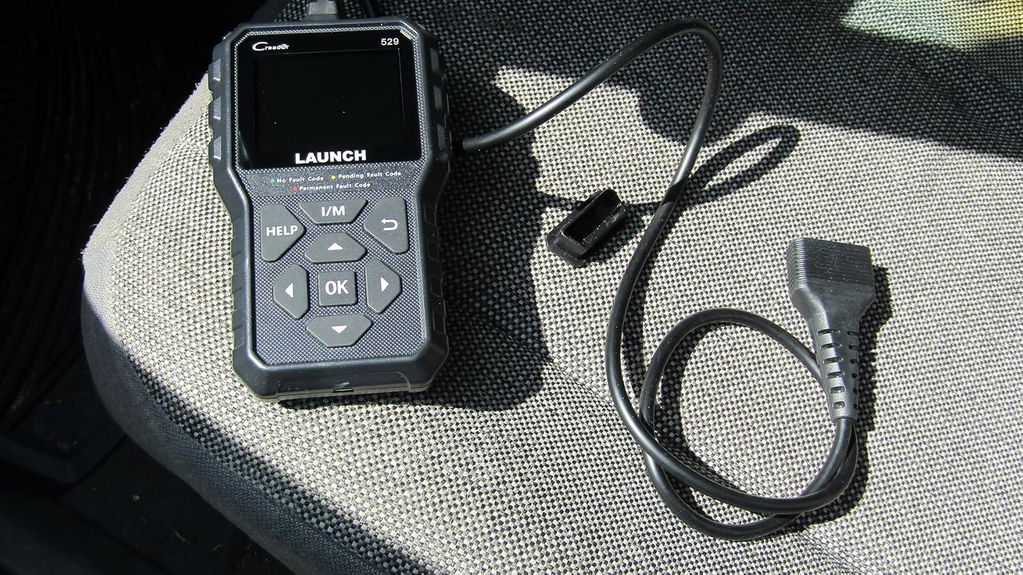
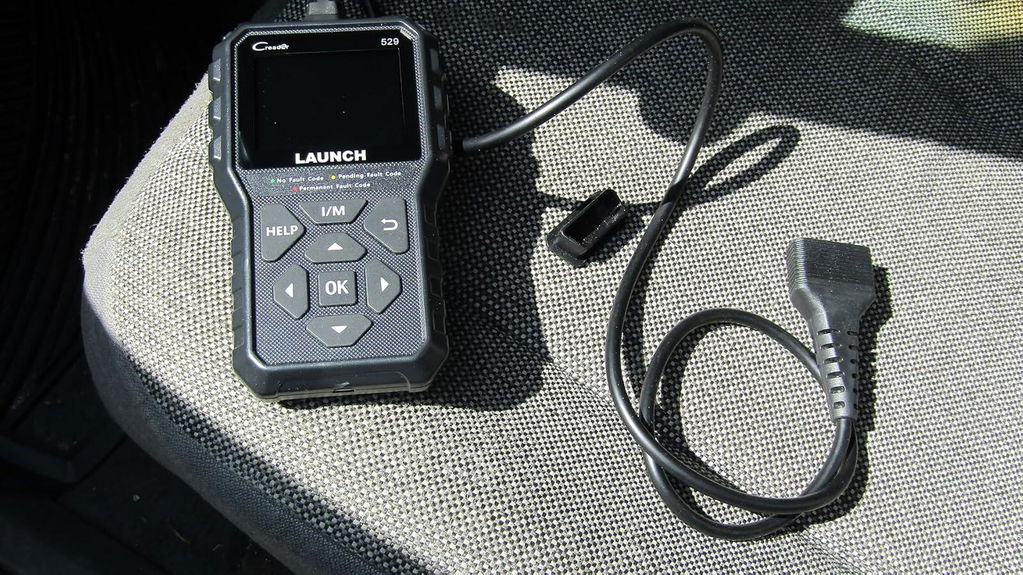
Launch CR529 OBD2 Scanner for your check engine light is a great tool to read and clear fault codes and get a good idea of the issues you are having. I've been using Launch OBD2 scanners for several years now and it's my go brand. I have two Launch BMW specific scanners and they have all worked well. The CR529 is a good solid, economical scanner that can be up-dated via the internet. Having a few older vehicles in the stable, the CR529 is a tool you don't use very often, but when that check engine light is on, it can help you can figure out issues and point in the right direction. No issues
O
Launch CR529 OBD2 Scanner for your check engine light is a great tool to read and clear fault codes and get a good idea of the issues you are having. I've been using Launch OBD2 scanners for several years now and it's my go brand. I have two Launch BMW specific scanners and they have all worked well. The CR529 is a good solid, economical scanner that can be up-dated via the internet. Having a few older vehicles in the stable, the CR529 is a tool you don't use very often, but when that check engine light is on, it can help you can figure out issues and point in the right direction. No issues
J
This Scanner is excellent best one I have used so far.
N
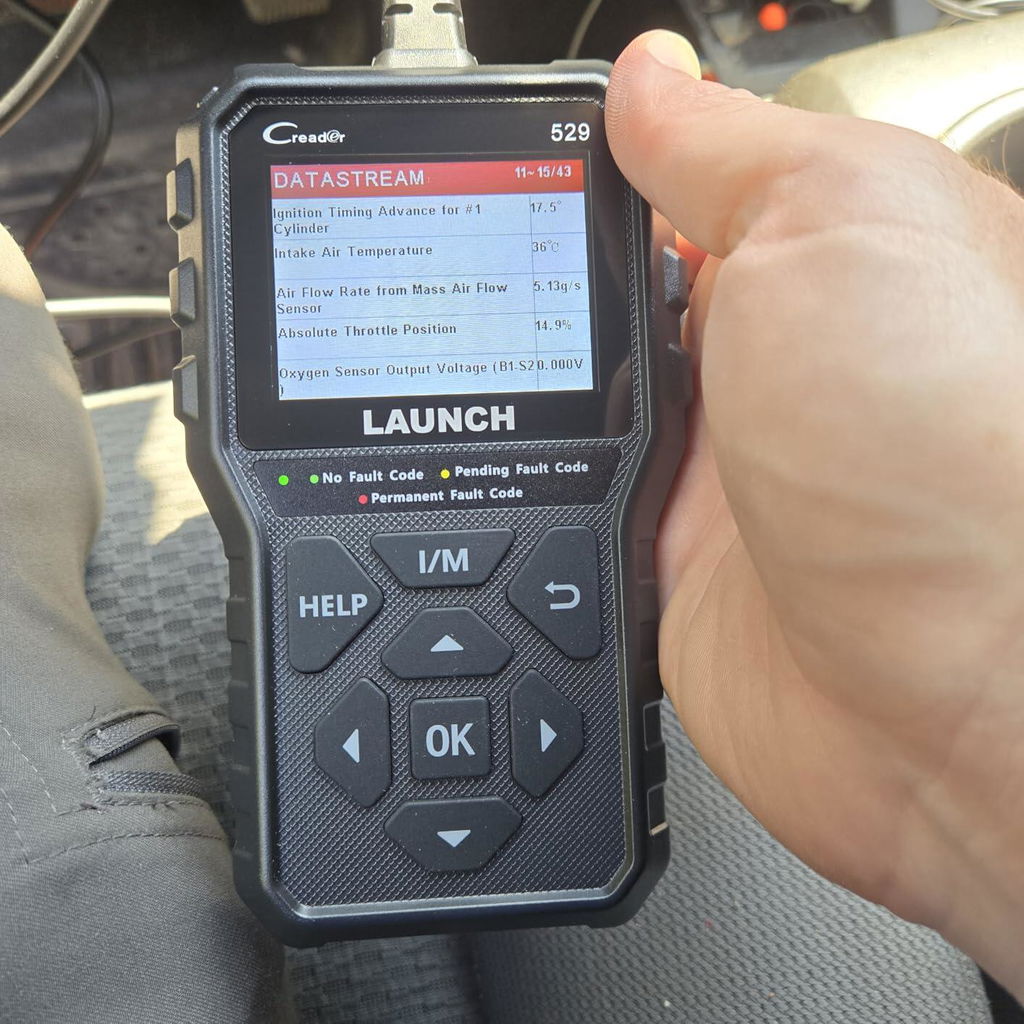
This is a plug and play scanner, that immediately allowed me to search for diagnostic trouble codes on my vehicle. No setup was necessary, it simply worked when I plugged it in. There are other functions that allow me to monitor different data points, but I have not yet dug into that function
N
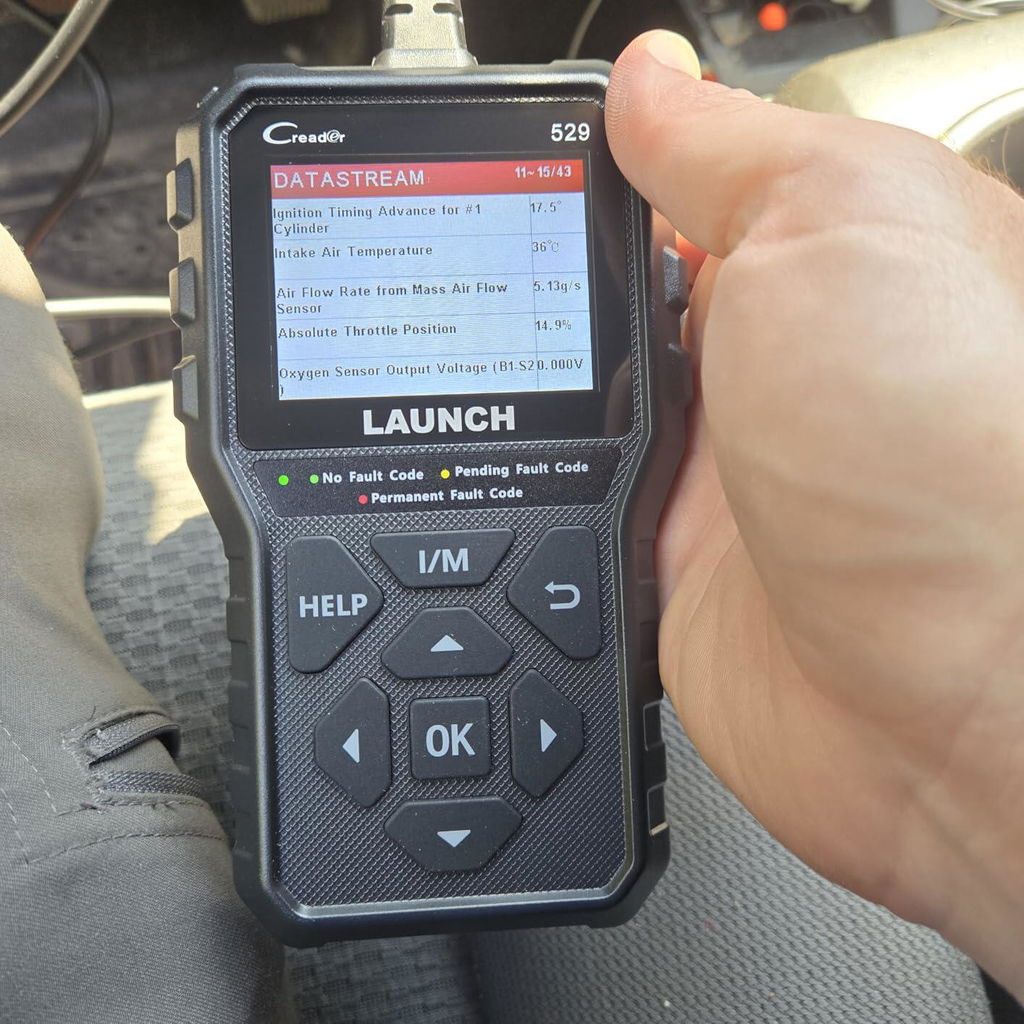
This is a plug and play scanner, that immediately allowed me to search for diagnostic trouble codes on my vehicle. No setup was necessary, it simply worked when I plugged it in. There are other functions that allow me to monitor different data points, but I have not yet dug into that function
K
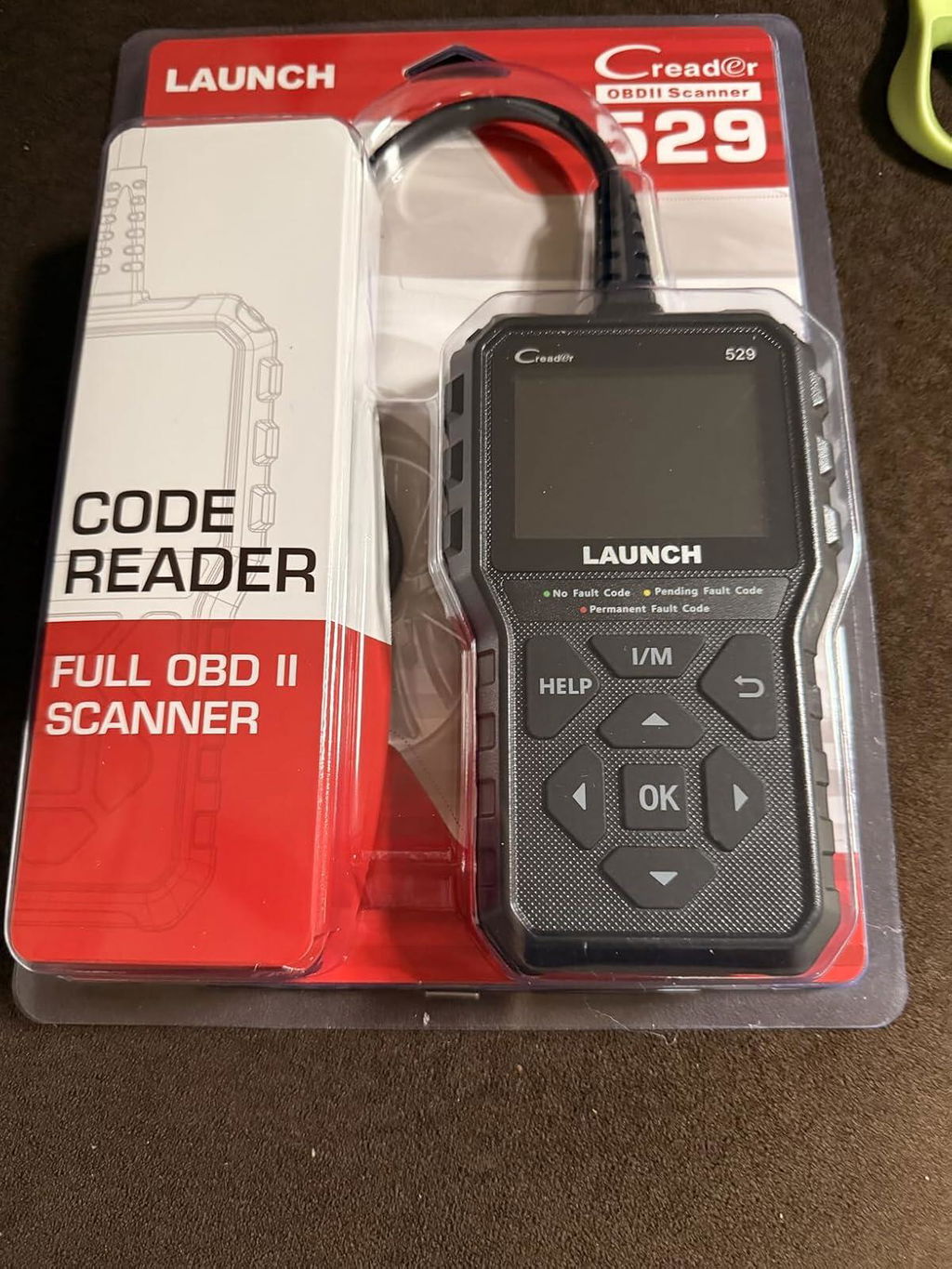
This is a great scanner. My husband is a mechanic and he said it works good. Easy to update too.
K
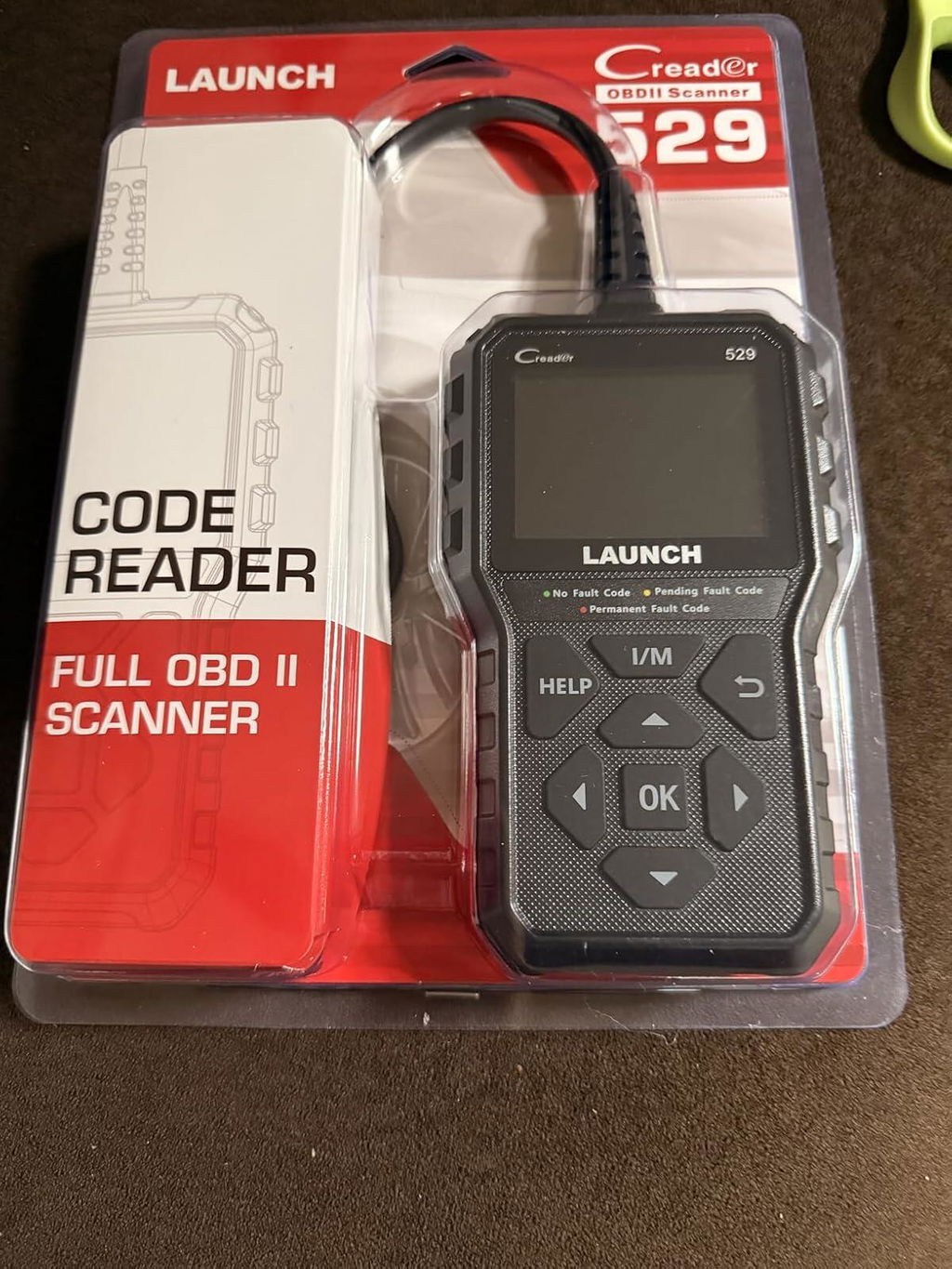
This is a great scanner. My husband is a mechanic and he said it works good. Easy to update too.
E
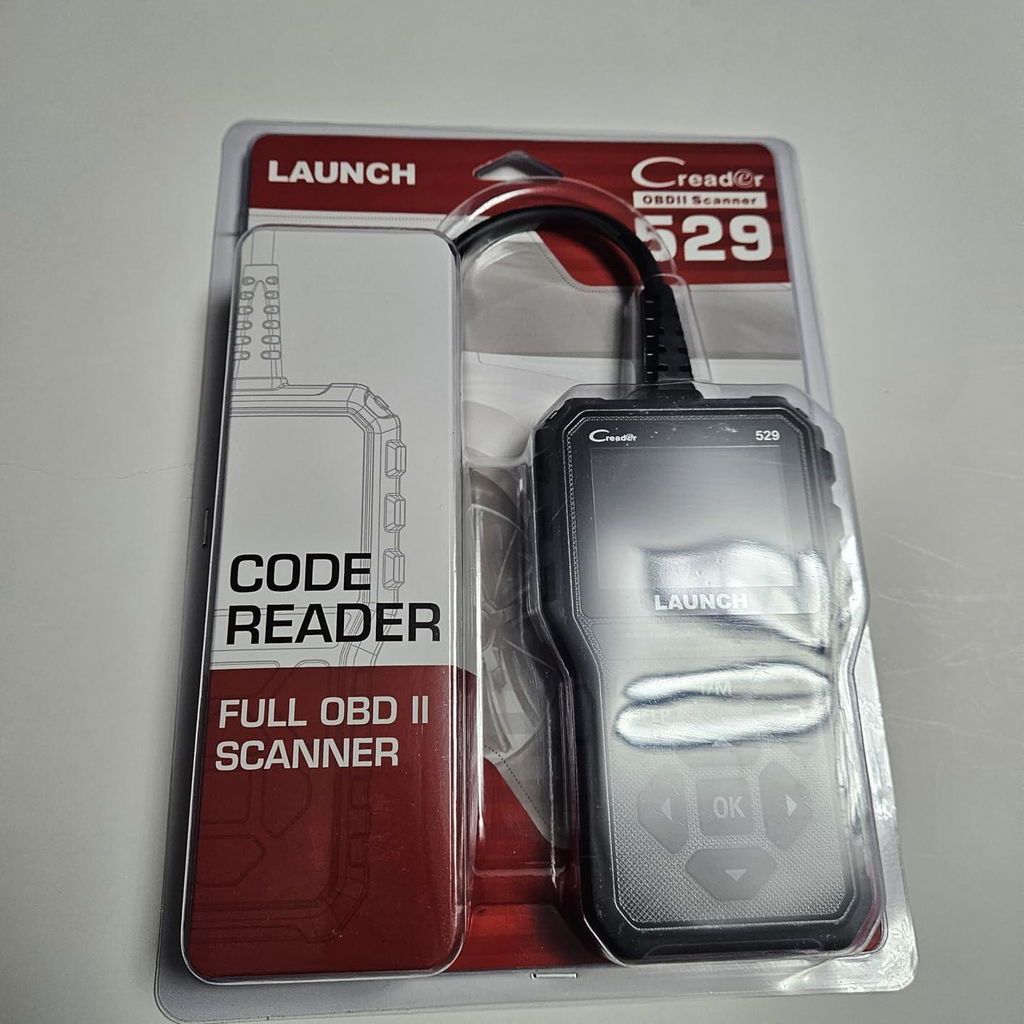
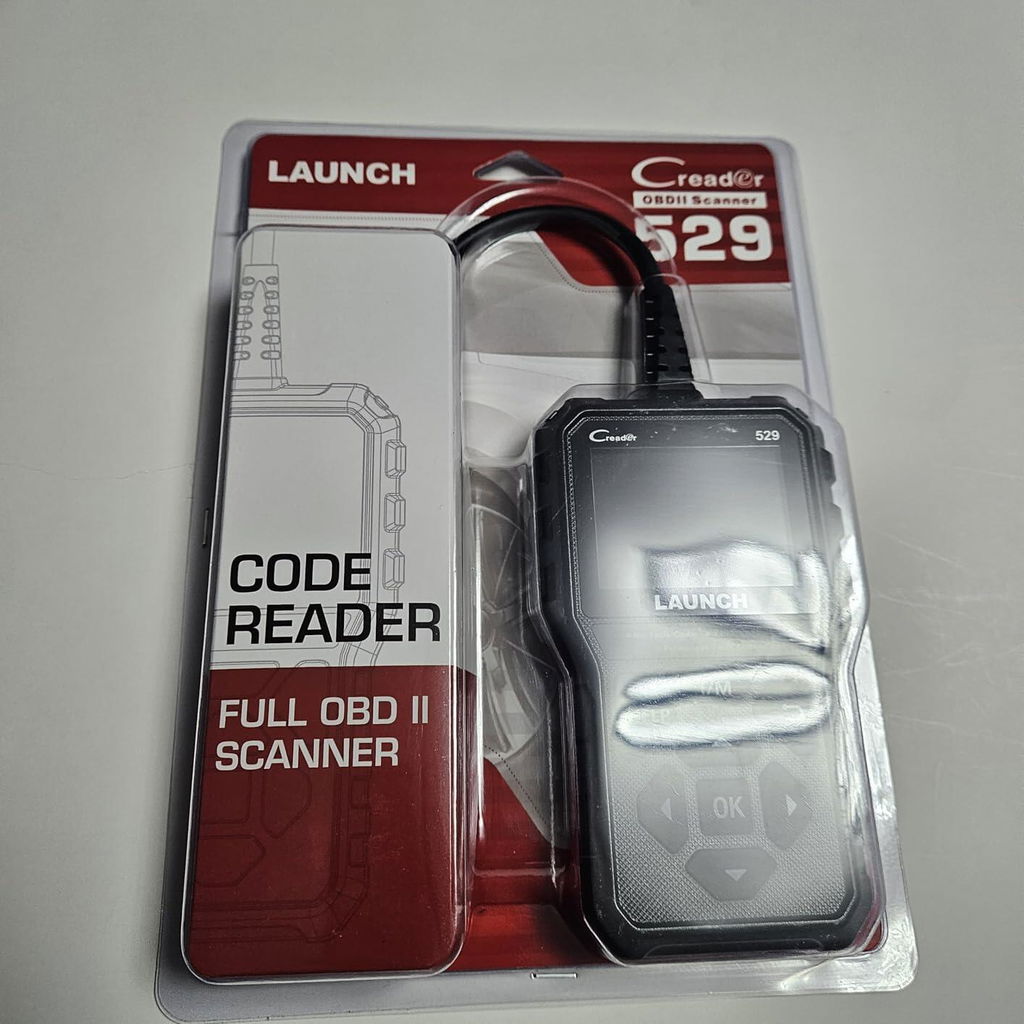
This is a great scan tool that can scan, read and erase diagnostic trouble codes. The cord is a great length as well so you can plug it in and sit comfortable while looking up the codes and not worrying about tugging on the cord. It is well built and also very compact at the same time. It also has a built in DTC code look up so you can look up the codes that pop up or the codes if given. Its very easy to use and user friendly. I also like the 2.8 color display which make it easy to see all the features and use the device. You can also pull up the vehicle information such as the Vin and milage. You can also check if your vehicle is im ready to pass emission test. Works with a wide range of vehicles from 1996 to newer. You also get life time free updates so you can have the latest updates to diagnose your car. It also have live data stream to check air intake, throttle position, fuel, o2 senso etc.This has alot of features and it a great portable, handheld, small obd2 scan tool.
E
This is a great scan tool that can scan, read and erase diagnostic trouble codes. The cord is a great length as well so you can plug it in and sit comfortable while looking up the codes and not worrying about tugging on the cord. It is well built and also very compact at the same time. It also has a built in DTC code look up so you can look up the codes that pop up or the codes if given. Its very easy to use and user friendly. I also like the 2.8 color display which make it easy to see all the features and use the device. You can also pull up the vehicle information such as the Vin and milage. You can also check if your vehicle is im ready to pass emission test. Works with a wide range of vehicles from 1996 to newer. You also get life time free updates so you can have the latest updates to diagnose your car. It also have live data stream to check air intake, throttle position, fuel, o2 senso etc.This has alot of features and it a great portable, handheld, small obd2 scan tool.
G
Es un producto de primera linea, que supera las expectativas esperadas. Muy confiable y que cumple con todas las condiciones descriptas en la página del vendedor. Excelente relación, CALIDAD-PRECIO.
G
Es un producto de primera linea, que supera las expectativas esperadas. Muy confiable y que cumple con todas las condiciones descriptas en la página del vendedor. Excelente relación, CALIDAD-PRECIO.
✅ Fast order processing
You will receive the orders within 24 hours of payment confirmation (excluding weekends and public holidays). During peak seasons or holidays, processing times may be slightly extended. In the event of delays, we will take all necessary steps to minimize them.
To place an order, choose your region and click the link below:
-United States – https://us.launchx431pro.com/
-United Kingdom – https://uk.launchx431pro.com/
-European Union – https://www.launchx431pro.com/
✅ Local warehouses shipment
All orders are shipped from our warehouses in the USA, the United Kingdom, and Germany using premium international carriers to ensure your tools arrive safely and on time.
| Region | Shipping Location | Estimated Delivery Time |
| United States | PERTH AMBOY, NJ | 3–5 business days |
| United Kingdom | Dunstable | 3–5 business days |
| European | Ginsheim-Gustavsburg, Frankfurt | 3–7 business days |
| Other Countries | HongKong | 7–15 business days |
✅ Safe and reliable delivery
You can count on fast, dependable delivery. We work with trusted international carriers like DHL, UPS, USPS, FedEx, and DPD to get your order to you safely.
NOTE: Delivery to some remote or rural areas is not available. If you're unsure whether we ship to your location, feel free to contact our support team before placing your order.
✅ Free Shipping on Local Orders
Local orders (US, UK, EU) ship for free and with no tax.
For orders shipped to Canada or other non-local countries (excluding the US, UK, and EU), import taxes or customs duties may apply upon delivery.
✅ Customs & duties guidance
For customers outside Europe, customs fees are determined by your local government. As these charges vary by country and are beyond our control, we recommend contacting your local customs office before placing your order to understand any applicable fees, duties, or taxes.
✅ More shipment inquiries
For any shipping-related questions, our customer service team is here to help.
Email: Sales@Launchx431pro.com
WhatsApp: +86-180-2870-0839
Business hours: Monday–Friday, 9:00 AM – 6:00 PM (GMT+8)
Certificate Files
Official LAUNCH Authorized Dealer
Genuine LAUNCH diagnostic tools, reliable support and a more confident purchase experience.
We provide authentic LAUNCH products through authorized sales channels, with supported software updates, warranty service and professional technical assistance.
Why Buy from an Authorized LAUNCH Dealer?
Buying from an authorized dealer helps ensure your LAUNCH diagnostic tool is genuine, properly supported and eligible for official services.
100% Genuine Products
Authentic LAUNCH diagnostic tools sourced through authorized distribution channels.
Official Software Support
Access supported diagnostic software, vehicle coverage and available software updates.
Warranty Protection
Eligible products include warranty support according to the terms listed on each product page.
Professional Support
Get help with product selection, compatibility, setup, software updates and technical questions.
Official LAUNCH Authorization

Our authorization confirms that we are approved to distribute genuine LAUNCH diagnostic products through authorized sales channels.
Why Genuine LAUNCH Matters
Professional diagnostic tools depend on more than hardware. Genuine products provide access to supported software, valid device activation and reliable after-sales service.
Reliable Activation
Valid product identification and supported device activation.
Software & Vehicle Coverage
Access supported diagnostic software, vehicle data and available updates.
After-Sales Support
Receive assistance for eligible product, software and warranty needs.
Unauthorized or cloned devices may experience activation, update, compatibility or warranty limitations.
Support Before & After Your Purchase
Our team can assist throughout the entire purchase and ownership process.
Before Purchase
-
Vehicle compatibility
-
Diagnostic function confirmation
-
Product comparison
-
Accessory compatibility
After Purchase
-
Product activation
-
Software updates
-
Technical support
-
Warranty assistance
Buy LAUNCH with Confidence
Choose genuine LAUNCH diagnostic tools backed by reliable software support and professional service.
Genuine Products
Authentic LAUNCH tools and accessories.
Software Support
Supported software and vehicle coverage.
Professional Assistance
Help with compatibility, setup and product use.
Reliable After-Sales Service
Support when you need it after purchase.
Frequently Asked Questions
Are the LAUNCH products sold on this website genuine?
Yes. We provide genuine LAUNCH diagnostic products through authorized sales channels.
Do LAUNCH diagnostic tools include software updates?
Most eligible products include a free software update period. The exact update period varies by model.
Can you help confirm vehicle compatibility?
Yes. Provide your vehicle make, model, year and required diagnostic function, and our team can help check compatibility.
Do all LAUNCH products include the same warranty?
No. Warranty coverage may vary by product. Please refer to the warranty information listed on the corresponding product page.
Can you help with product activation?
Yes. Our support team can assist with general activation, registration and setup questions for eligible products.

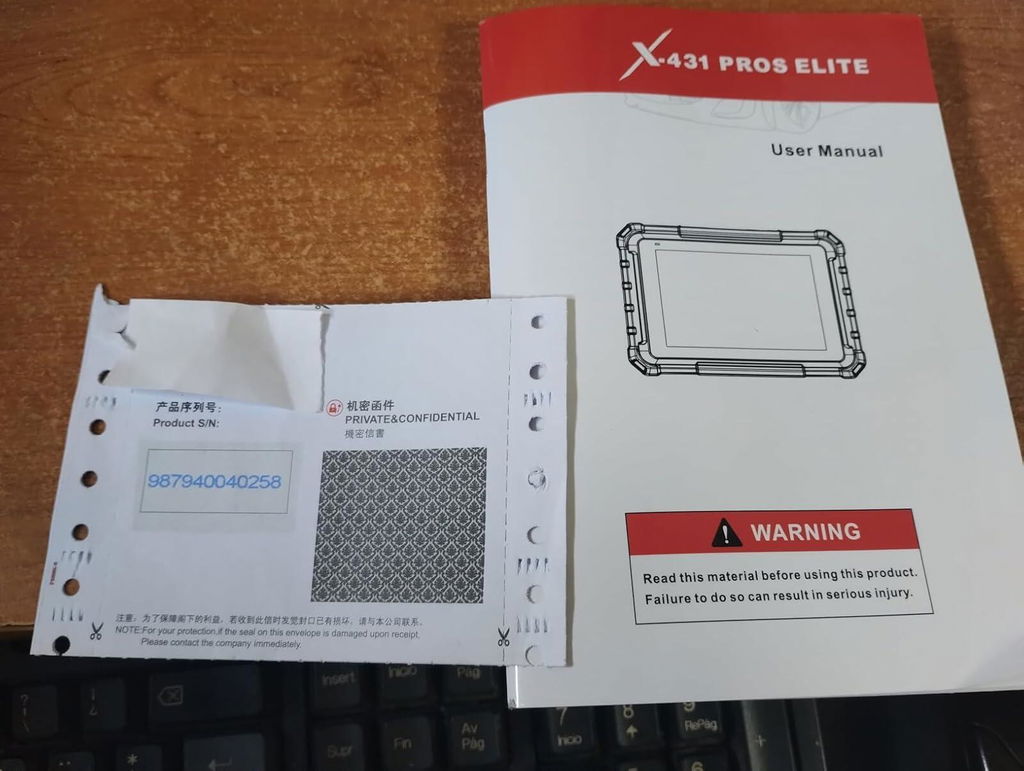
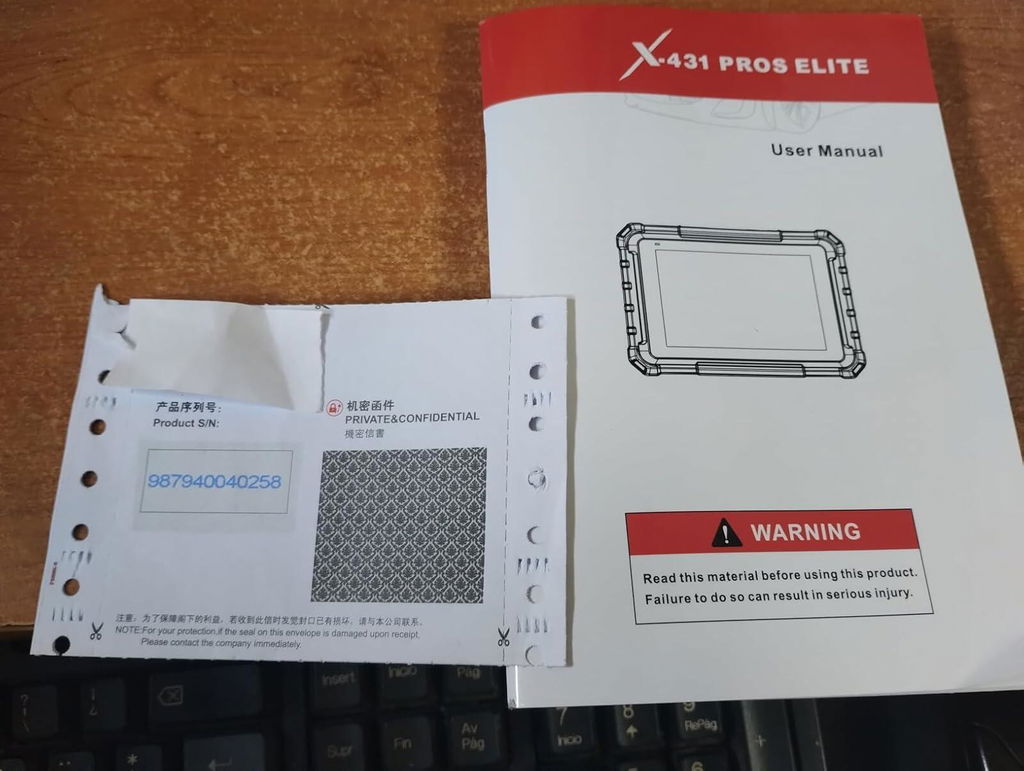
Launch Upgrade Card (All Products)
Launch Software Update Card
Renew Your LAUNCH Software Update Service
Keep your compatible LAUNCH diagnostic tool up to date with the latest software, vehicle coverage, and available features.
Select your device model from the options above to purchase the corresponding software update service.
Important Notes
-
Digital Service — No Physical Shipping Required
This is a software update service only. No physical product will be shipped. -
Please Provide Your Serial Number After Purchase
After completing your order, email your device Serial Number (S/N) to:
sales@launchx431pro.com
You can usually find the S/N on the back of your device or in the device settings.
-
Processing Time
Software update activation is usually completed within 2 business days after we receive and verify your device information. -
Software Update Only
This service renews the software update period only and does not include hardware warranty coverage. -
Compatibility Confirmation Recommended
Please select the correct device model before purchase. If you are unsure which update option is compatible with your device, contact us with your model and serial number before ordering. -
Digital Product Policy
Due to the digital nature of this service, orders are non-refundable once the update service has been activated or delivered.
How It Works
Step 1 — Choose Your Device
Select the correct LAUNCH device model from the available options.
Step 2 — Complete Your Order
Place your order and complete payment online.
Step 3 — Send Us Your Serial Number
Email your device S/N to sales@launchx431pro.com together with your order number.
Step 4 — We Activate the Update Service
Our team will verify your information and activate the corresponding software update service.
Step 5 — Update Your Device
Once activated, connect your device to the internet and open the Software Update section to download the latest available software.
Why Renew Your Software?
Stay Up to Date
Access the latest available software and vehicle coverage for your device.
Expand Vehicle Coverage
Keep compatibility with newer supported vehicle models and systems.
Maintain Diagnostic Capability
Continue using updated diagnostic functions, service functions, and available software features.
No Shipping Required
The entire process is completed online.
Need Help Choosing the Right Update Option?
Not sure which update service fits your device?
Send us your:
Device Model
Serial Number (S/N)
Order Number, if already purchased
Email: sales@launchx431pro.com
We’ll help confirm the correct update option before activation.
Are these products 100% genuine Launch tools?
Yes, we are an official authorized dealer of Launch. All diagnostic tools, scanners, and software updates sold are 100% authentic, brand-new, and come with official factory warranties.
How does the free software update work?
Eligible scanners include 2 years of free software updates. Once you register and activate your device, you can easily download the latest vehicle software, bug fixes, and coverage updates directly over Wi-Fi with one click.
When will my order ship?
Orders are typically processed within 24 hours. Standard delivery usually takes 3–7 business days, depending on your location and the item ordered. Tracking information will be provided once your order has shipped.
What is the return and warranty policy?
Every purchase is backed by our 30-day return policy and warranty coverage based on the individual product. If you receive a defective unit or need help with vehicle compatibility, our technical support team is available to assist you.