


More Capability. More Work Within Reach.
Give your workshop a route from full-system diagnosis to supported ECU work and repair verification. PRO3 V+ ELITE brings SmartLink C, topology, active tests and coding into one platform—an upgrade built around the jobs you want to handle.
J2534 Pass-Thru · Topology Mapping · Active Tests & ECU Coding

Keep Supported ECU Jobs In-House.
A module replacement can lead to work beyond a basic scanner. Add a J2534 pass-thru route to supported OEM software and bring compatible ECU procedures into your own workshop workflow.
SmartLink C Interface · Supported OEM Software · Compatible ECU Procedures
Confirm the required OEM software, licenses or subscriptions, compatible PC and stable power supply for your intended job.

Know Where to Focus First.
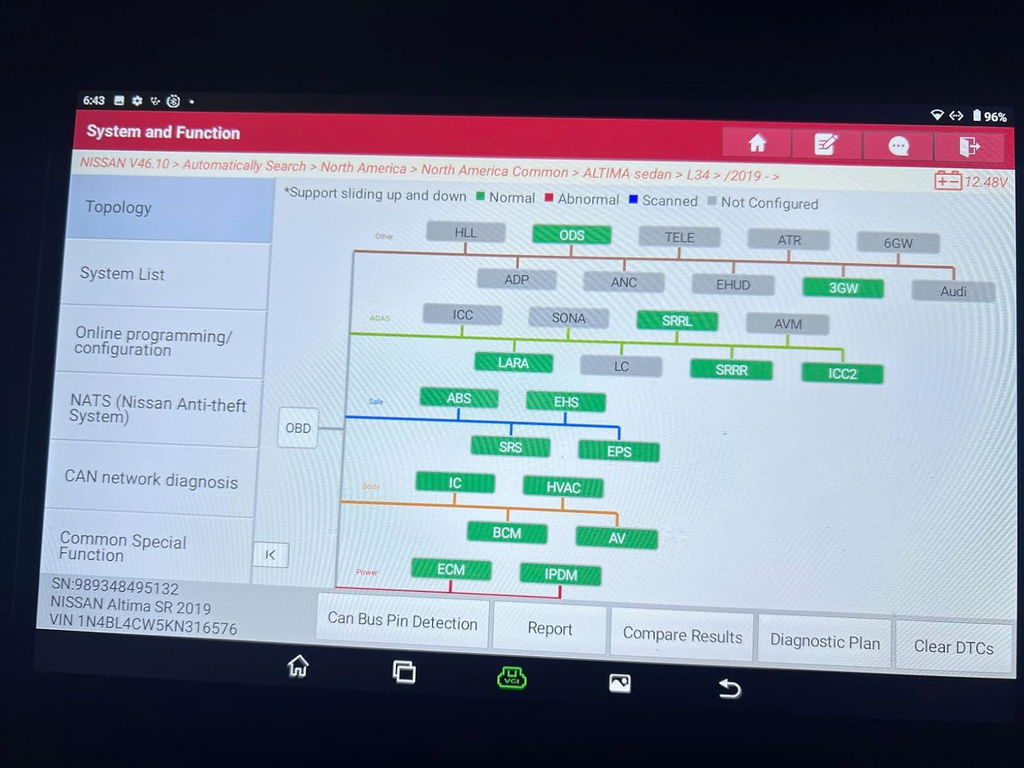
A fault code is a starting point. Topology puts supported modules and their fault status in one visual map, helping you choose the next check instead of working through a disconnected list.
Module Relationships · Fault Status at a Glance · Focused Next Checks
Topology support varies by vehicle.

Make the Repair Decision With More Evidence.
Command supported components and check their response before committing to replacement. Then use compatible coding, matching and adaptation functions to complete the work the repair calls for.
Component Activation · ECU Coding & Matching · Adaptation
Available tests and coding procedures depend on the vehicle and system.

Buy for the Vehicles in Your Bay.
A mixed-brand workshop needs more than an engine-code reader. Use full-system diagnostics across supported American, European and Asian vehicles, with live data and system checks in one familiar platform.
Full-System Diagnostics · Live Data · American · European · Asian
Before ordering, confirm the make, model, year and exact function you need. Brand coverage does not mean every model or function is supported.

Useful Today. Expand When You Need To.
Put 60+ service functions to work on maintenance and repair tasks. Add compatible tools for battery testing, TPMS or videoscope inspection when your workload calls for them, instead of buying every accessory up front.
60+ Service Functions · Battery Testing & TPMS · Videoscope Inspection
Services vary by vehicle. Expansion tools, software and adapters are optional; confirm what your selected configuration includes.

A Clear View. A Practical Workshop Setup.
See topology maps and live data on a 10.1-inch display. Keep diagnostic records with 64GB storage, and bring a 4GB RAM, quad-core Android tablet into your daily workflow—a practical setup for the work behind every repair decision.
10.1-inch Display · 4GB RAM · 64GB Storage · 6300mAh Battery · Dual-Band Wi-Fi
Battery runtime varies with brightness, connectivity, workload and battery condition.

Built Around the Way You Work.
Choose PRO3 V+ ELITE when advanced diagnosis and compatible module work belong in your routine. Match the tool to your skill level, the vehicles you service and the jobs you plan to take on.
Independent Repair Shops · Mobile Mechanics · Experienced DIYers
Independent Repair Shops
Keep more supported repair steps in one workflow.
Mobile Mechanics
Bring advanced diagnostics to the job.
Experienced DIYers
Go deeper on compatible vehicles, with the right skills and setup.
Plan for Long-Term Use.
The product page lists two years of included software updates. Check renewal terms and access requirements for the online services you intend to use.
Put More Capability to Work.
Confirm your vehicle and required function, then choose the configuration that fits your workshop.
Check Coverage → Choose Configuration → Add to Cart
Match the make, model, year and exact function before ordering. Confirm included accessories and any required software or subscriptions.
S
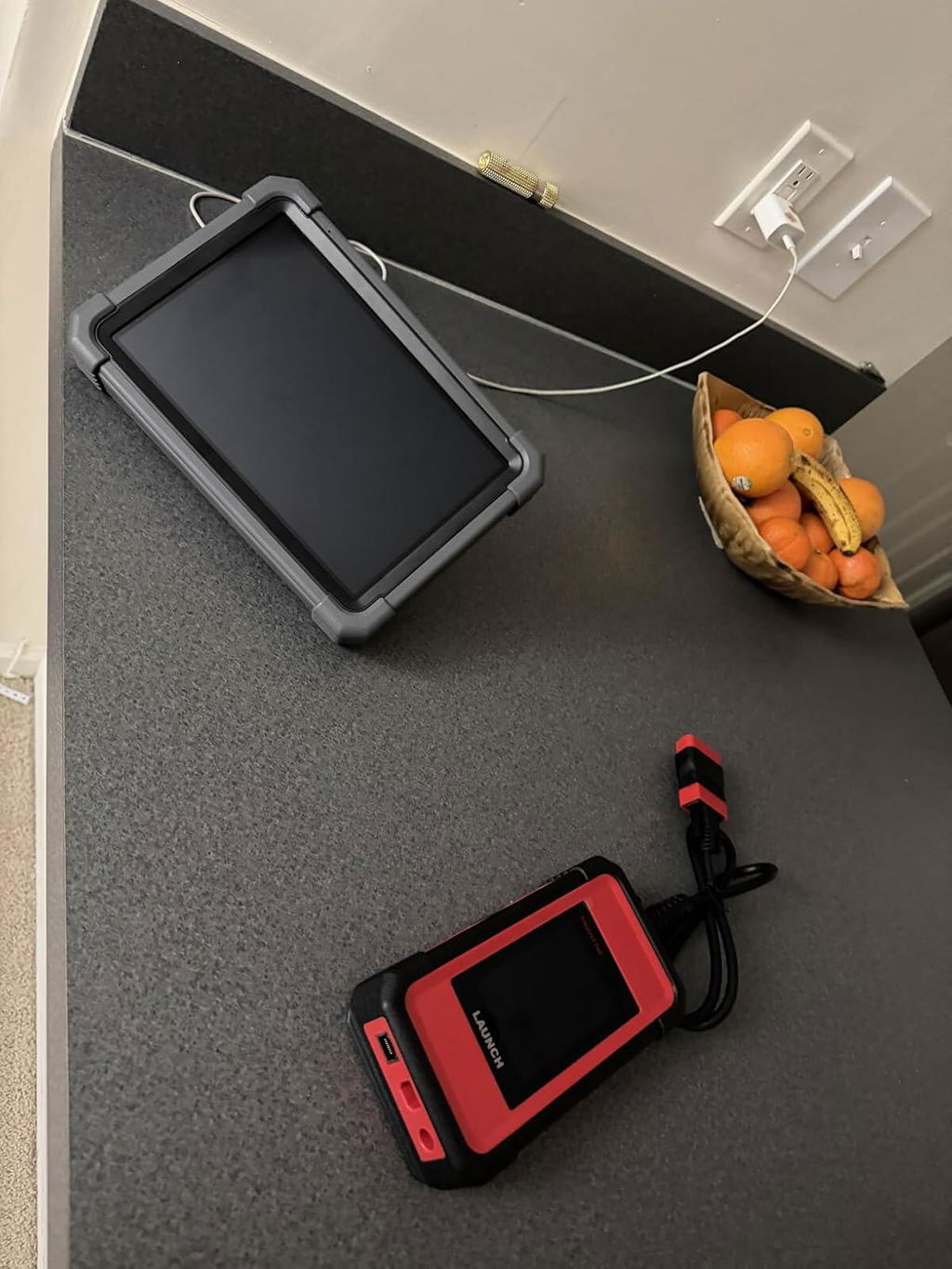
I am very satisfied with this scanner. It works very fast and supports many vehicle brands. The Smartlink feature is very helpful for advanced diagnostics. The tablet is responsive and the software coverage is very good. It is a great tool for professional mechanics and workshops. Highly recommende
M
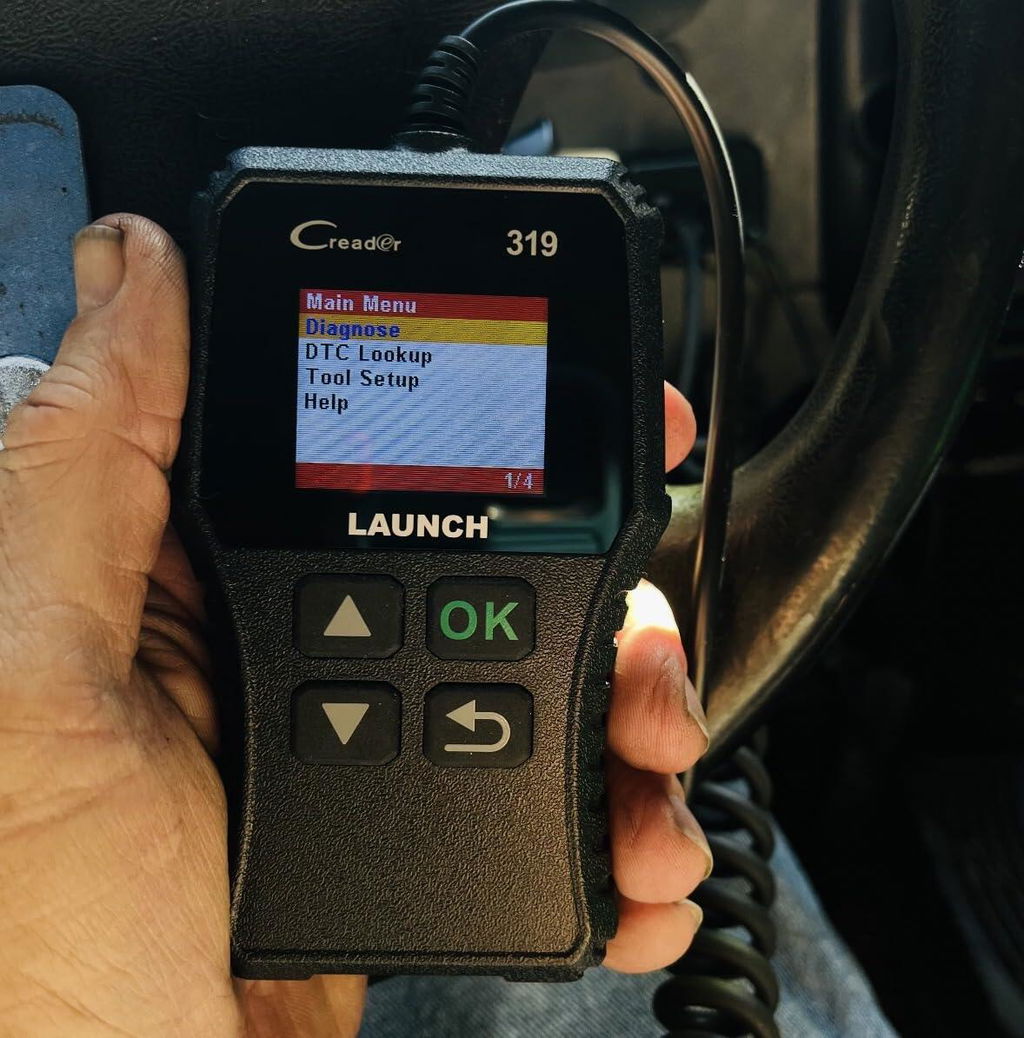
This Code reader/ Full OND2 scanner is user friendly and a great choice for new users. No set up,simply plug it in and go,plug & play.A must have for do it yourself individuals, conveniently check and clear fault codes at home without having to always go to a mechanic and needlessly spend hard earned money. Sometimes it’s a simple code or annoying check light that just needs to be cleared,but it also makes it possible to know if the issue is more problematic,requiring a professional for repairs. . Makes it possible to know before you go,offering peace of mind and protection from unnecessary repairs and charges.Has every feature needed in anEngune Fault code reader/Scanner. A great choice and good value.
Z
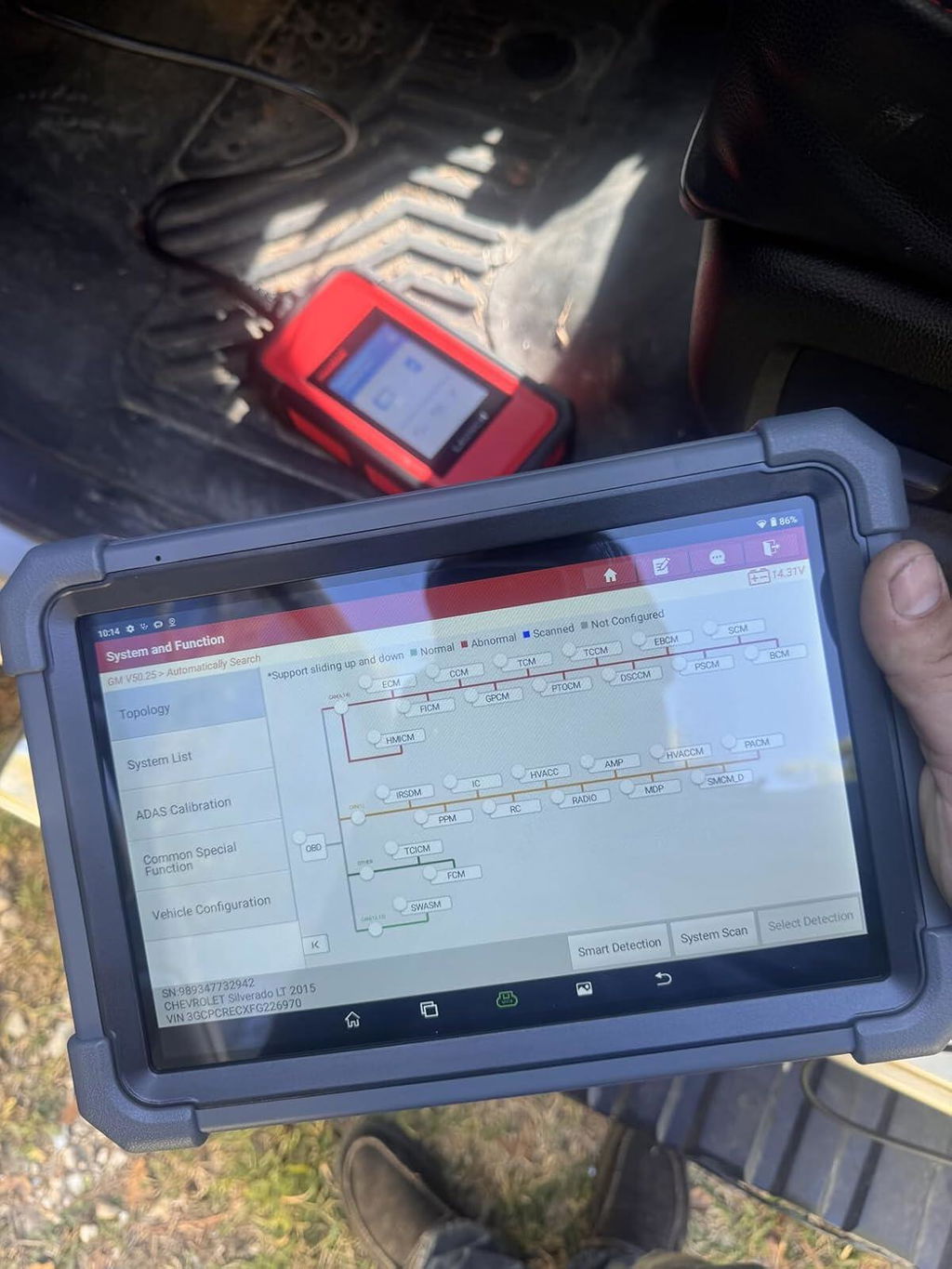
So far so good. This is my 3rd launch x431. All of them have been pretty different. People who buy this need to know the j2534 pass through has to be used from a laptop. You cannot program new ECU, TCM on Chevy through android based tablet. Has to be windows based. It took a few hours to figure out how to download the software for the j2534 pass through on the computer. It wasn’t as simple as it should be. Also it should be noted that if you need tech support, this is not the place to buy this scanner. These are Chinese market and Launch USA will not help with this scanner. If you buy the American version (exact same tool) you’ll be able to get tech support on the phone quickly and efficiently but the US version is double the cost. This is my first scanner with Topology maps and it’s pretty cool.
B
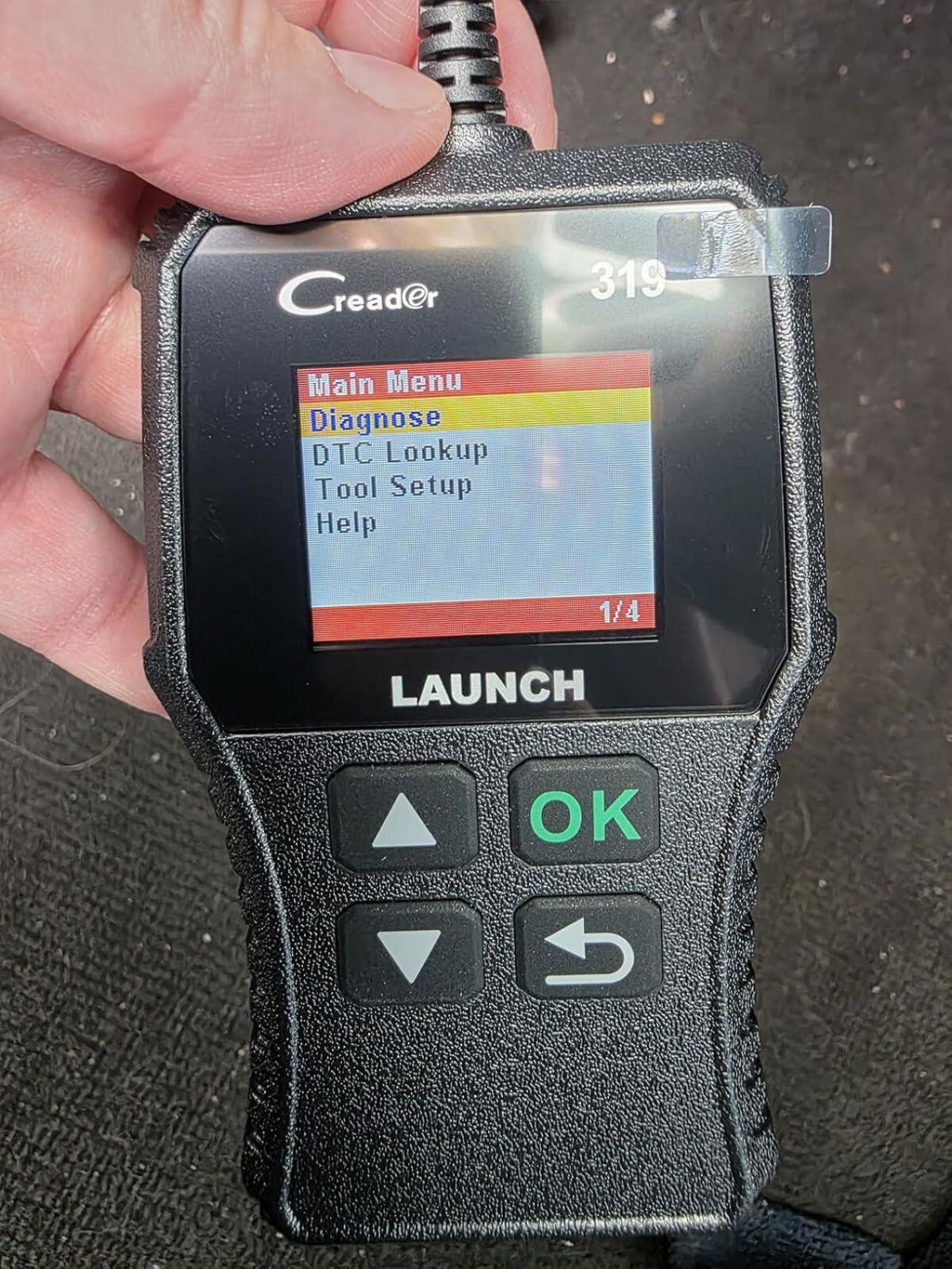
Works like a charm! The best thing is that the menu is in color, it makes it better to read. The information it shows is complete and clear. You could save a pretty penny. If you take your car to the dealer for service, just looking at the codes will cost you over $100, so this is worth buying.
M
This is my third upgrade in 10 years and I must say Launch keeps getting better. The addition of Topology gives fast insight on problems and verifies communication between modules. Highly recommend.
M
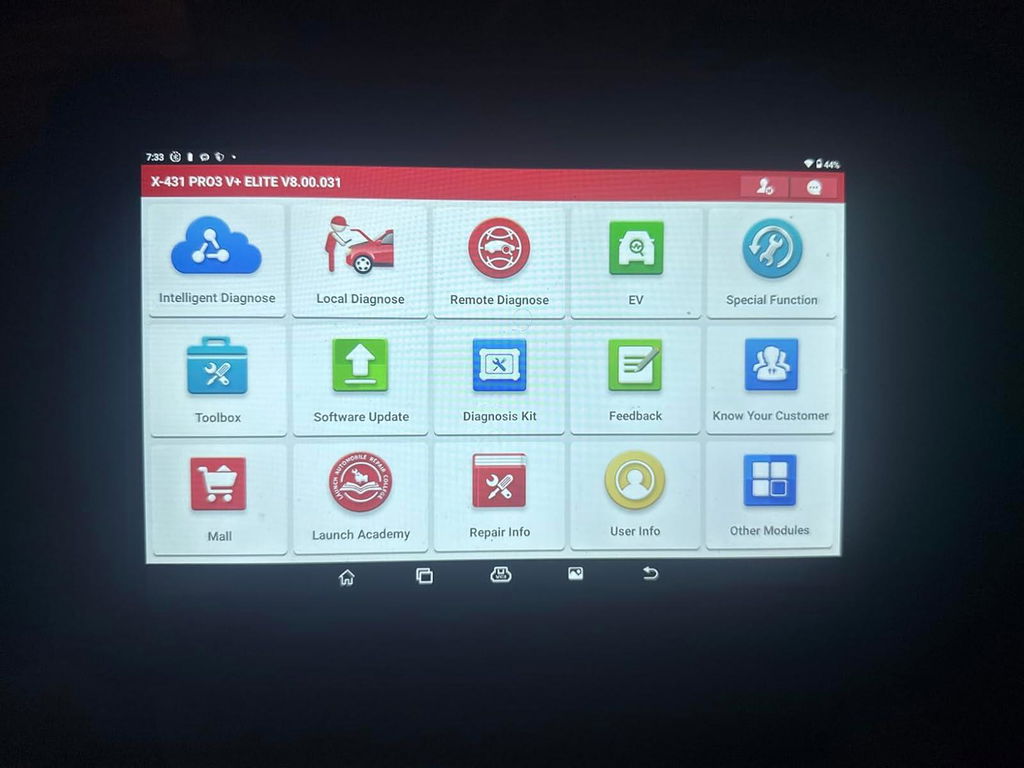
This scanner has save 1000s of dollars from having send my truck to the shop I am very well in love with this scan tool and it was worth the 1300 dollars I spent!!
J
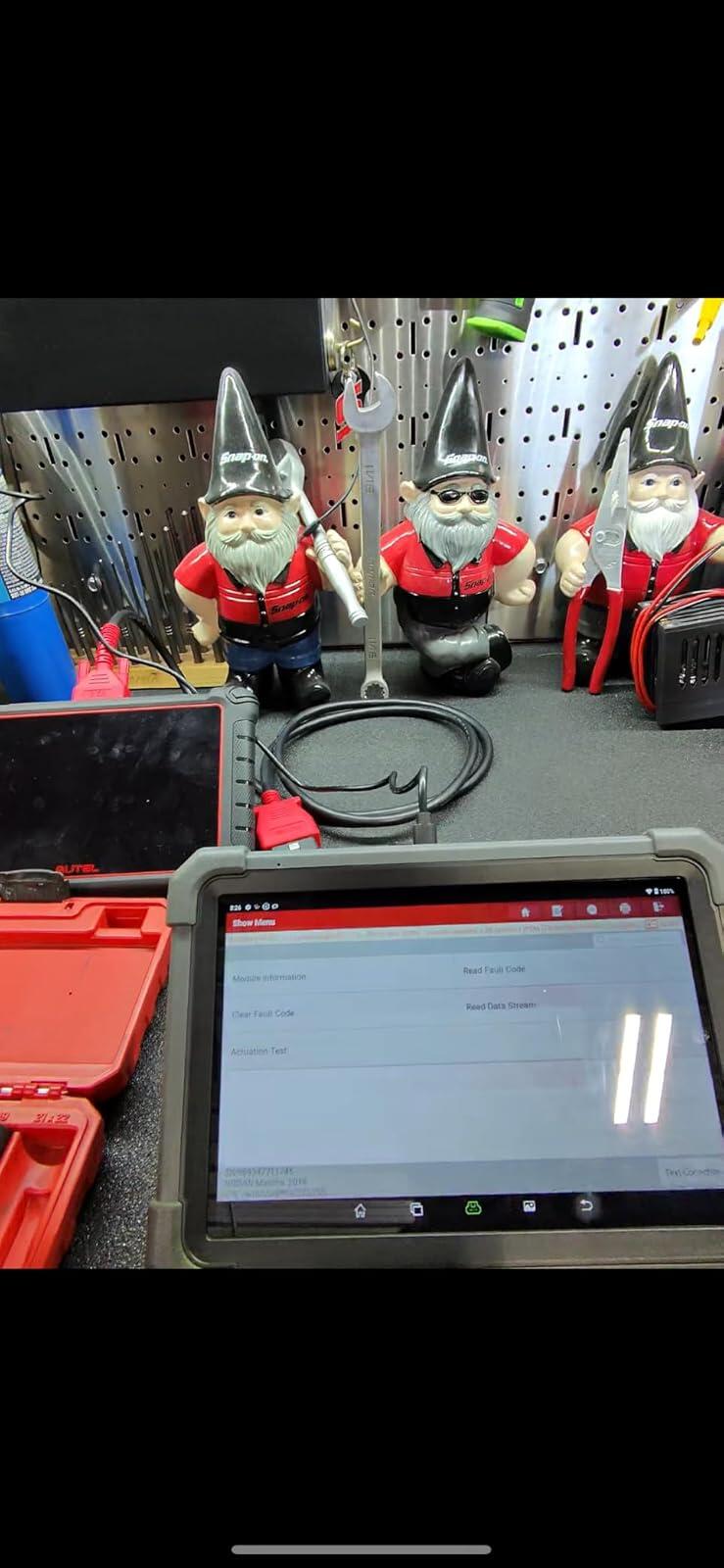
I had the chance to try it out on a Nissan maxima, what I really like about it is its android based and your Bluetooth range from the removable dongle to the scanner will reach far. I have my box about 40 feet from my bay and I was able to leave it at the box and scan and log while comparing diagrams doing troubleshooting work. The update feature is way easier than autel. Fast, selectable pids, camera, has a live chat tech support which is also nice. Worked great for my first use!! 10/10 would HIGHLY recommend this scanner. For the price and features I feel like this is a great buy and you cannot go wrong!!
I
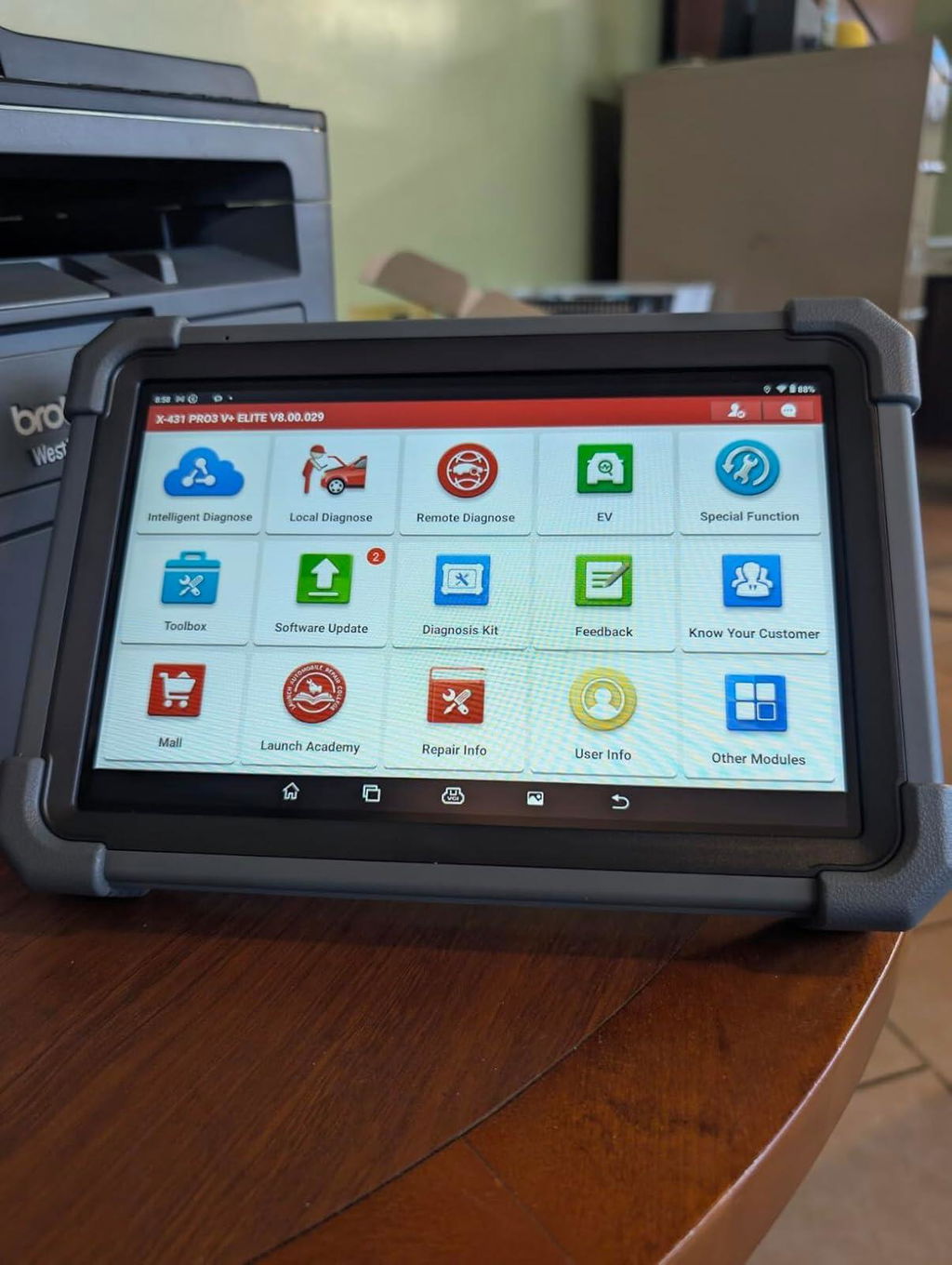
Alright. Lets tackle the Cadillac of scantools. I've been testing this device all week on a number of vehicles ranging from 2007 to 2025. Where do I start. The scantool and adapter are super robust. Thick heavy rubber around the whole thing, port covers, gorilla glass, it's built like a tank for when you inevitably drop it out of a vehicle. Connectivity wise, it comes with the wireless adapter and one single OBD2 cable. All of the OBD2 16 pin vehicles I tested it with worked no problem. You can even connect the adapter over the Internet for remote diagnostic which is a neat feature. I purchased some additional adapters to connect to non 16 pin connectors and that was a treat. It works on heavy equipment via 9 pin cable. I ran through Isuzu NPRs, International 4300s, even a Mack garbage truck just to see what it could do. Since these devices are souped up Android tablets, you can run any flavor of diagnostic software you want including Forscan in addition to the built in VCI software suite. As for vehicles, it worked on everything I could throw at it. Mercedes air suspension, hybrid BMW battery pack voltages, International DPF regen, Ford injector buzz tests, all bi-directional and super easy to walk through. Yes there are other cheaper devices on the market with the same software and feature set, but none of them are built this well or easy to use. 10/10
S
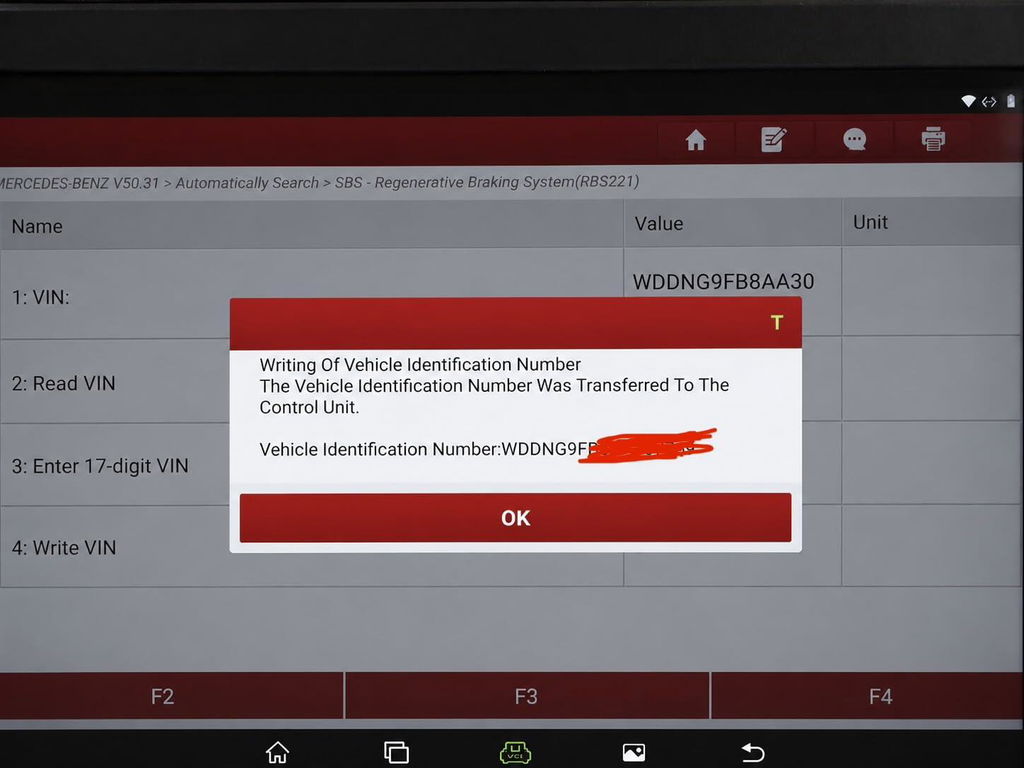
Super impressed with this one so far.I own a Euro shop and had just bought an Autel MaxiSYS906MAX thinking it would be a good upgrade from my MP808 which wasn't allowing me to write a VIN to a used mercedes ESP module installed to a customer car.The 906MAX had the same limitation in spite of it being billed as having "programming/customization" functionality (with a submenu dedicated to "Expert Coding" supposedly including Special Functions where VIN writing should be, under Manual Settings).Called several local (PDX) MB specialists to see if they could assist and got the typical handwringing about needing Vediamo or Xentry and how hard this simple procedure would be.It is not that hard at all.Autel tools (both MP808 and 906MAX) had vin deletion/module virginization capabilities without J2534 passthorugh being used, and I had done that with those tools.The thing is Autel is just playing the feature limitation game and not providing the necessary access to Manual Settings with these tools, which doesn't actually require J2534 for pre-2013ish MB ESP modules (really any module that isn't at the ECM level of the topology).Customer support said "Maxisys906MAX is not a programming tool".Oh great, thanks for that - should be front and center on your marketing and you shouldn't have a "Programming" feature on the tool.So, to the point:The Launch X431 PRO3 V+ Elite handled this simple task in about 2 minutes.It honestly took longer to activate the software by creating a login and password.Once I had that done, updated the MB software to the latest rev, connected the SmartlinkC 2.0 (VCI) to the USB port of the Benzito, navigated to RBR (regenerative braking module, aka ESP module for the S400 Hyrbid) and went to special functions, manual settings, write vin and boom.Performed drive test (make sure the VCI is disconnected or it won't calibrate the ESP sensors), took 15 seconds for the new module to learn and the job was done.So if you're wondering, "Can this tool write VINs to pre-DAS4 ESP (or whatever other) modules?" the answer was yes for me on a 2010 S400 (W221).Literally had MB specialty shops saying that it absolutely needed online authentication and unlocking via Pass-Through.Even ELITEK, which when they come out to do these kinds of things charge us $650, said they could not even do it and needs to be done at MB dealer.This was not the case.I wrote this VIN using offline diagnostics module on the PRO3, without needing to compromise anything or connect to a shady server, or do any actual programming/software flashing.Great tool, seems plenty powerful and worth the price to get this overnight through it vs. a few hundred dollars less at one of the online distributors of the CN Launch line.Do beware that this is NOT supported by Launch US customer support, but is likely the same hardware that they're selling and software that they license for one of their US market tools.I'm happy and impressed with what it can do at the pricepoint so far.
m
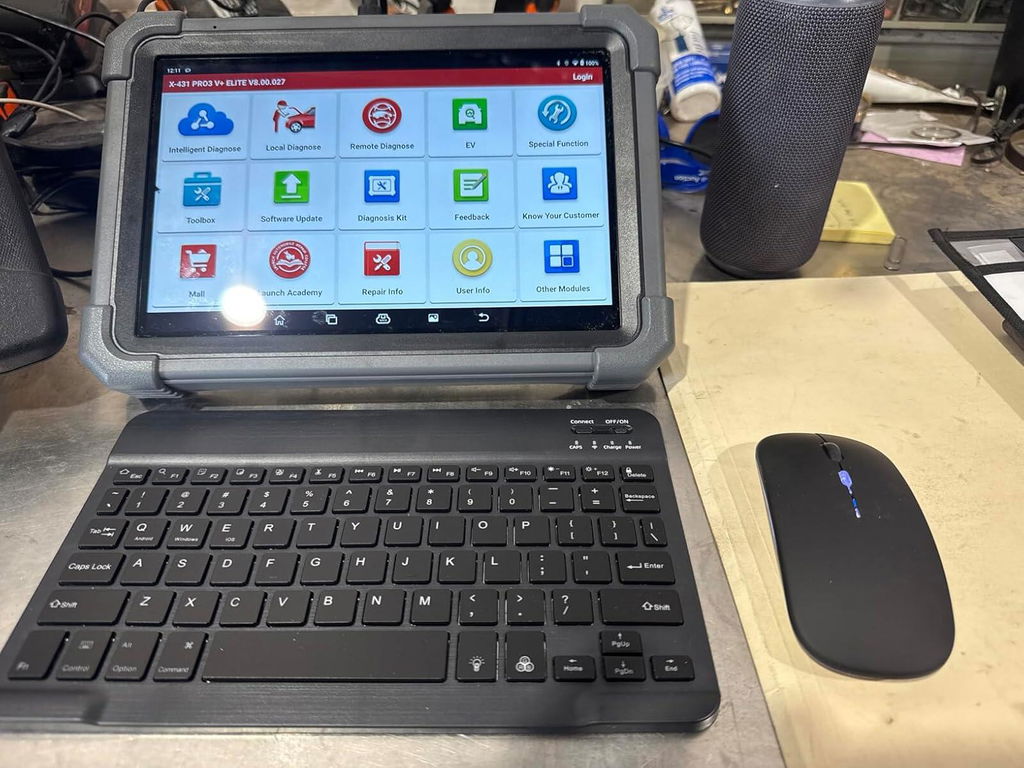
This scanner has exceeded my expectations. The topology feature is excellent, and I haven’t experienced any issues with its performance. Adding a Bluetooth keyboard and mouse has made it even more versatile. I would highly recommend it.
W
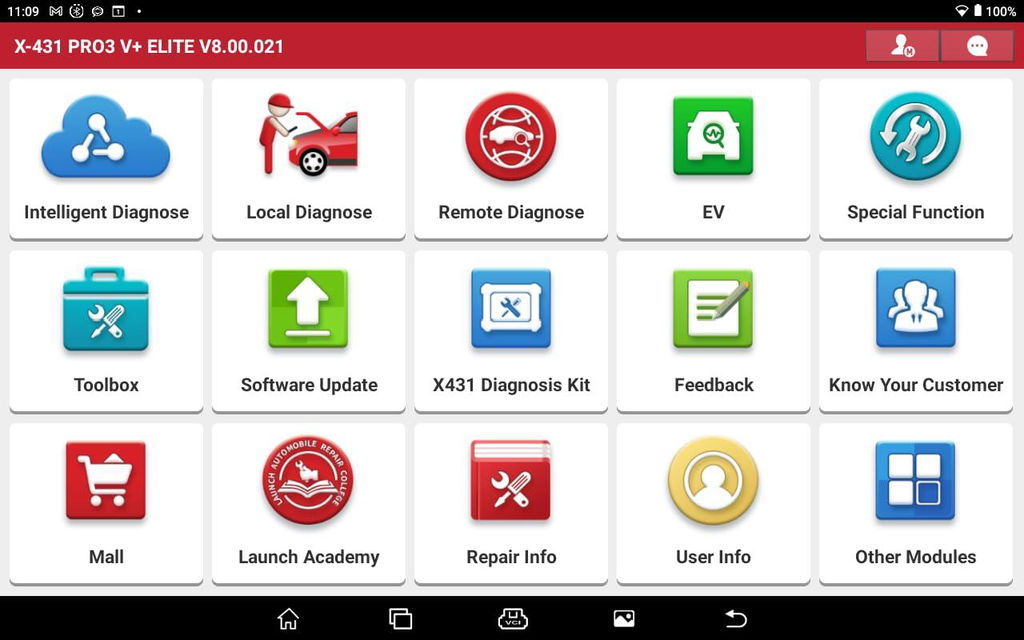
This scan-tool is incredible! I prefer Launch tools over others (and I have several). I like the layout and for me the tool is very intuitive. Each tool has its pros and cons so you'd do well to have a few different brands (as I do). However, this is always my first grab in the shop. I find its range and depth to be the best all-round tool. Other than OEM specific, I haven't found anything yet that covers as much as the Launch.
M
The LAUNCH X431 PRO3 V+ ELITE is an outstanding diagnostic tool that has significantly improved the way I approach vehicle diagnostics. Its wide compatibility with various car brands and models is impressive, making it an essential tool for both professionals and enthusiasts. The interface is user-friendly, making it easy to navigate through the different functions and features, even for someone who isn’t a seasoned technician.The scan speed is fast, and the diagnostic accuracy is spot on, allowing for efficient and reliable fault detection. I particularly appreciate the bi-directional control feature, which lets me test various vehicle components directly from the device. The live data stream is incredibly detailed and helps in diagnosing issues with precision.Additionally, the build quality is solid and durable, and the large screen provides clear, easy-to-read information. The device connects easily to vehicles, and the extensive database of repair solutions and component tests is incredibly helpful.

M
The LAUNCH X431 PRO3 V+ ELITE is an outstanding diagnostic tool that has significantly improved the way I approach vehicle diagnostics. Its wide compatibility with various car brands and models is impressive, making it an essential tool for both professionals and enthusiasts. The interface is user-friendly, making it easy to navigate through the different functions and features, even for someone who isn’t a seasoned technician.The scan speed is fast, and the diagnostic accuracy is spot on, allowing for efficient and reliable fault detection. I particularly appreciate the bi-directional control feature, which lets me test various vehicle components directly from the device. The live data stream is incredibly detailed and helps in diagnosing issues with precision.Additionally, the build quality is solid and durable, and the large screen provides clear, easy-to-read information. The device connects easily to vehicles, and the extensive database of repair solutions and component tests is incredibly helpful.

K
I purchased this tool because I want to be able to fix just about any issue my vehicle could have without going to a shop. I landed on this Launch unit because of the J2534 functionality at a reasonable price. I like the way it scans all modules and lays out a "map" of them. So far it has worked on all of my vehicles and a few friends vehicles. The hard case holds the tablet and accessories well. I also purchased a USB borescope for it and it works awesome. Overall I would definitely recommend this for the pro or DIYer that wants more functionality.

K
I purchased this tool because I want to be able to fix just about any issue my vehicle could have without going to a shop. I landed on this Launch unit because of the J2534 functionality at a reasonable price. I like the way it scans all modules and lays out a "map" of them. So far it has worked on all of my vehicles and a few friends vehicles. The hard case holds the tablet and accessories well. I also purchased a USB borescope for it and it works awesome. Overall I would definitely recommend this for the pro or DIYer that wants more functionality.

S
Superior tool, this Launch exceed every aspect that i could think off, it has a vehicle coverage from brands i havent even heard off, special functions and active test in almost all modules, super big screen, amazing battery life, and thats only the main unit, the J2534 link is amazing on it own and with the long, really long ethernet cable it brings in the box you can program module with a stable internet connection from anywhere in the shop, super fast diagnosis, topology function is a plus as well, as you would expect from the price range is a Dealer level or more scan tool. im less than 25% into all the things this can do. Also very constant updates.

S
Superior tool, this Launch exceed every aspect that i could think off, it has a vehicle coverage from brands i havent even heard off, special functions and active test in almost all modules, super big screen, amazing battery life, and thats only the main unit, the J2534 link is amazing on it own and with the long, really long ethernet cable it brings in the box you can program module with a stable internet connection from anywhere in the shop, super fast diagnosis, topology function is a plus as well, as you would expect from the price range is a Dealer level or more scan tool. im less than 25% into all the things this can do. Also very constant updates.

D
Excellent scanner for the price.
S
!!!
J
Great scanner
✅ Fast order processing
You will receive the orders within 24 hours of payment confirmation (excluding weekends and public holidays). During peak seasons or holidays, processing times may be slightly extended. In the event of delays, we will take all necessary steps to minimize them.
To place an order, choose your region and click the link below:
-United States – https://us.launchx431pro.com/
-United Kingdom – https://uk.launchx431pro.com/
-European Union – https://www.launchx431pro.com/
✅ Local warehouses shipment
All orders are shipped from our warehouses in the USA, the United Kingdom, and Germany using premium international carriers to ensure your tools arrive safely and on time.
| Region | Shipping Location | Estimated Delivery Time |
| United States | PERTH AMBOY, NJ | 3–5 business days |
| United Kingdom | Dunstable | 3–5 business days |
| European | Ginsheim-Gustavsburg, Frankfurt | 3–7 business days |
| Other Countries | HongKong | 7–15 business days |
✅ Safe and reliable delivery
You can count on fast, dependable delivery. We work with trusted international carriers like DHL, UPS, USPS, FedEx, and DPD to get your order to you safely.
NOTE: Delivery to some remote or rural areas is not available. If you're unsure whether we ship to your location, feel free to contact our support team before placing your order.
✅ Free Shipping on Local Orders
Local orders (US, UK, EU) ship for free and with no tax.
For orders shipped to Canada or other non-local countries (excluding the US, UK, and EU), import taxes or customs duties may apply upon delivery.
✅ Customs & duties guidance
For customers outside Europe, customs fees are determined by your local government. As these charges vary by country and are beyond our control, we recommend contacting your local customs office before placing your order to understand any applicable fees, duties, or taxes.
✅ More shipment inquiries
For any shipping-related questions, our customer service team is here to help.
Email: Sales@Launchx431pro.com
WhatsApp: +86-180-2870-0839
Business hours: Monday–Friday, 9:00 AM – 6:00 PM (GMT+8)
Certificate Files
Official LAUNCH Authorized Dealer
Genuine LAUNCH diagnostic tools, reliable support and a more confident purchase experience.
We provide authentic LAUNCH products through authorized sales channels, with supported software updates, warranty service and professional technical assistance.
Why Buy from an Authorized LAUNCH Dealer?
Buying from an authorized dealer helps ensure your LAUNCH diagnostic tool is genuine, properly supported and eligible for official services.
100% Genuine Products
Authentic LAUNCH diagnostic tools sourced through authorized distribution channels.
Official Software Support
Access supported diagnostic software, vehicle coverage and available software updates.
Warranty Protection
Eligible products include warranty support according to the terms listed on each product page.
Professional Support
Get help with product selection, compatibility, setup, software updates and technical questions.
Official LAUNCH Authorization

Our authorization confirms that we are approved to distribute genuine LAUNCH diagnostic products through authorized sales channels.
Why Genuine LAUNCH Matters
Professional diagnostic tools depend on more than hardware. Genuine products provide access to supported software, valid device activation and reliable after-sales service.
Reliable Activation
Valid product identification and supported device activation.
Software & Vehicle Coverage
Access supported diagnostic software, vehicle data and available updates.
After-Sales Support
Receive assistance for eligible product, software and warranty needs.
Unauthorized or cloned devices may experience activation, update, compatibility or warranty limitations.
Support Before & After Your Purchase
Our team can assist throughout the entire purchase and ownership process.
Before Purchase
-
Vehicle compatibility
-
Diagnostic function confirmation
-
Product comparison
-
Accessory compatibility
After Purchase
-
Product activation
-
Software updates
-
Technical support
-
Warranty assistance
Buy LAUNCH with Confidence
Choose genuine LAUNCH diagnostic tools backed by reliable software support and professional service.
Genuine Products
Authentic LAUNCH tools and accessories.
Software Support
Supported software and vehicle coverage.
Professional Assistance
Help with compatibility, setup and product use.
Reliable After-Sales Service
Support when you need it after purchase.
Frequently Asked Questions
Are the LAUNCH products sold on this website genuine?
Yes. We provide genuine LAUNCH diagnostic products through authorized sales channels.
Do LAUNCH diagnostic tools include software updates?
Most eligible products include a free software update period. The exact update period varies by model.
Can you help confirm vehicle compatibility?
Yes. Provide your vehicle make, model, year and required diagnostic function, and our team can help check compatibility.
Do all LAUNCH products include the same warranty?
No. Warranty coverage may vary by product. Please refer to the warranty information listed on the corresponding product page.
Can you help with product activation?
Yes. Our support team can assist with general activation, registration and setup questions for eligible products.

Launch Upgrade Card (All Products)
Launch Software Update Card
Renew Your LAUNCH Software Update Service
Keep your compatible LAUNCH diagnostic tool up to date with the latest software, vehicle coverage, and available features.
Select your device model from the options above to purchase the corresponding software update service.
Important Notes
-
Digital Service — No Physical Shipping Required
This is a software update service only. No physical product will be shipped. -
Please Provide Your Serial Number After Purchase
After completing your order, email your device Serial Number (S/N) to:
sales@launchx431pro.com
You can usually find the S/N on the back of your device or in the device settings.
-
Processing Time
Software update activation is usually completed within 2 business days after we receive and verify your device information. -
Software Update Only
This service renews the software update period only and does not include hardware warranty coverage. -
Compatibility Confirmation Recommended
Please select the correct device model before purchase. If you are unsure which update option is compatible with your device, contact us with your model and serial number before ordering. -
Digital Product Policy
Due to the digital nature of this service, orders are non-refundable once the update service has been activated or delivered.
How It Works
Step 1 — Choose Your Device
Select the correct LAUNCH device model from the available options.
Step 2 — Complete Your Order
Place your order and complete payment online.
Step 3 — Send Us Your Serial Number
Email your device S/N to sales@launchx431pro.com together with your order number.
Step 4 — We Activate the Update Service
Our team will verify your information and activate the corresponding software update service.
Step 5 — Update Your Device
Once activated, connect your device to the internet and open the Software Update section to download the latest available software.
Why Renew Your Software?
Stay Up to Date
Access the latest available software and vehicle coverage for your device.
Expand Vehicle Coverage
Keep compatibility with newer supported vehicle models and systems.
Maintain Diagnostic Capability
Continue using updated diagnostic functions, service functions, and available software features.
No Shipping Required
The entire process is completed online.
Need Help Choosing the Right Update Option?
Not sure which update service fits your device?
Send us your:
Device Model
Serial Number (S/N)
Order Number, if already purchased
Email: sales@launchx431pro.com
We’ll help confirm the correct update option before activation.
Are these products 100% genuine Launch tools?
Yes, we are an official authorized dealer of Launch. All diagnostic tools, scanners, and software updates sold are 100% authentic, brand-new, and come with official factory warranties.
How does the free software update work?
Eligible scanners include 2 years of free software updates. Once you register and activate your device, you can easily download the latest vehicle software, bug fixes, and coverage updates directly over Wi-Fi with one click.
When will my order ship?
Orders are typically processed within 24 hours. Standard delivery usually takes 3–7 business days, depending on your location and the item ordered. Tracking information will be provided once your order has shipped.
What is the return and warranty policy?
Every purchase is backed by our 30-day return policy and warranty coverage based on the individual product. If you receive a defective unit or need help with vehicle compatibility, our technical support team is available to assist you.